Outgoing Transmittal Module Navigation
To view Summary List:
Select “Outgoing Transmittal” Menu Item at the left hand side, application menu.
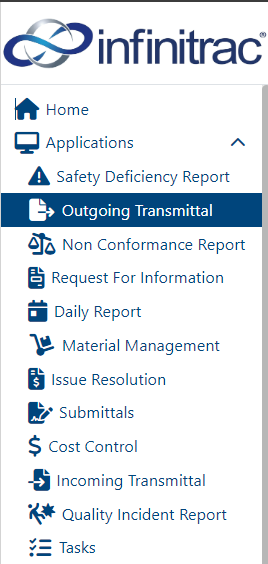
Right hand side of the view will refresh with a Transmittal folder structure and list of transmittals will be displayed.

To view a specific Outgoing Transmittal:
Click on a respective Transmittal name column value, formatted as link. For example, INF-0001, as shown in the screenshot above.
A Detail View with a selected Transmittal will be displayed. For example:
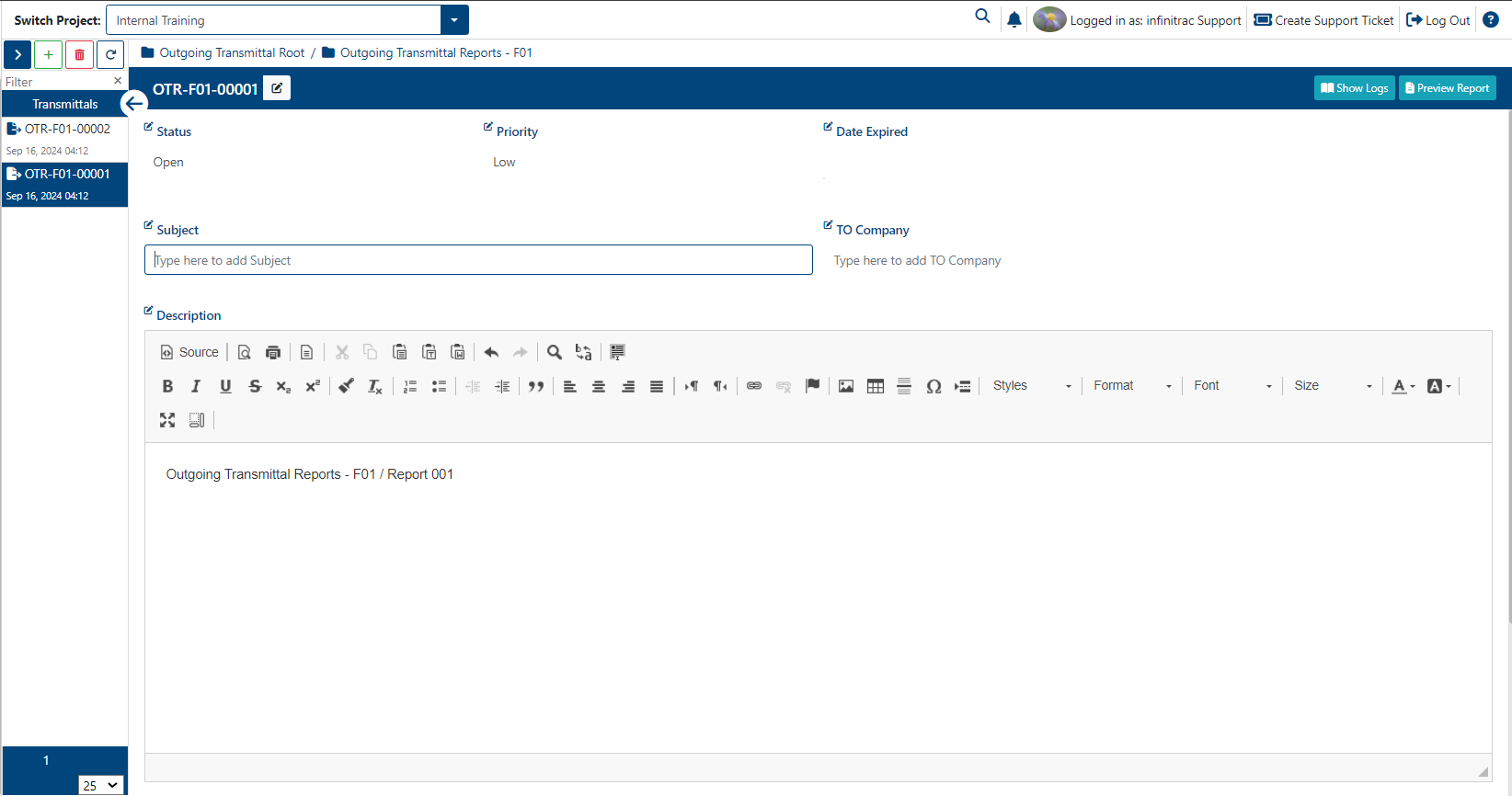
When Transmittal is send to the selected recipients, infinitrac users with respective access can view a Transmittal, by clicking on a Transmittal url link. System will display selected Outgoing Transmittal detail view.