Folder Tree
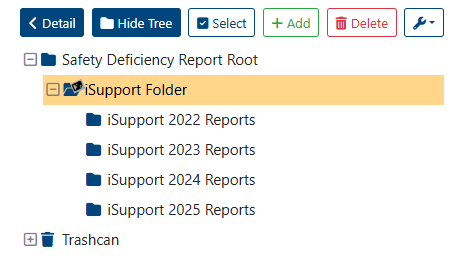
The Folder Tree structure displays all available folders and subfolders. Parent folders can be expanded or collapsed to show or hide subfolders.
To select multiple folders:
Click the “Select” button, which displays clickable checkboxes next to all folders (referred to as “Multi-Select” throughout this guide).
Click the “Select” button, which displays clickable checkboxes next to all folders (referred to as “Multi-Select” throughout this guide).
Selecting a parent folder will automatically select all of its subfolders. Deselecting a child folder while the parent folder is selected will also deselect the parent folder.
It’s not possible to select folders in the trashcan at the same time as selecting folders in the tree.
Related articles