Modifying Roles
Modifying an existing role will granted/denied access to a user for a given project, user must have “edit“ role enabled to perform this action.
To modify roles:
Navigate to the “Role Management” module.
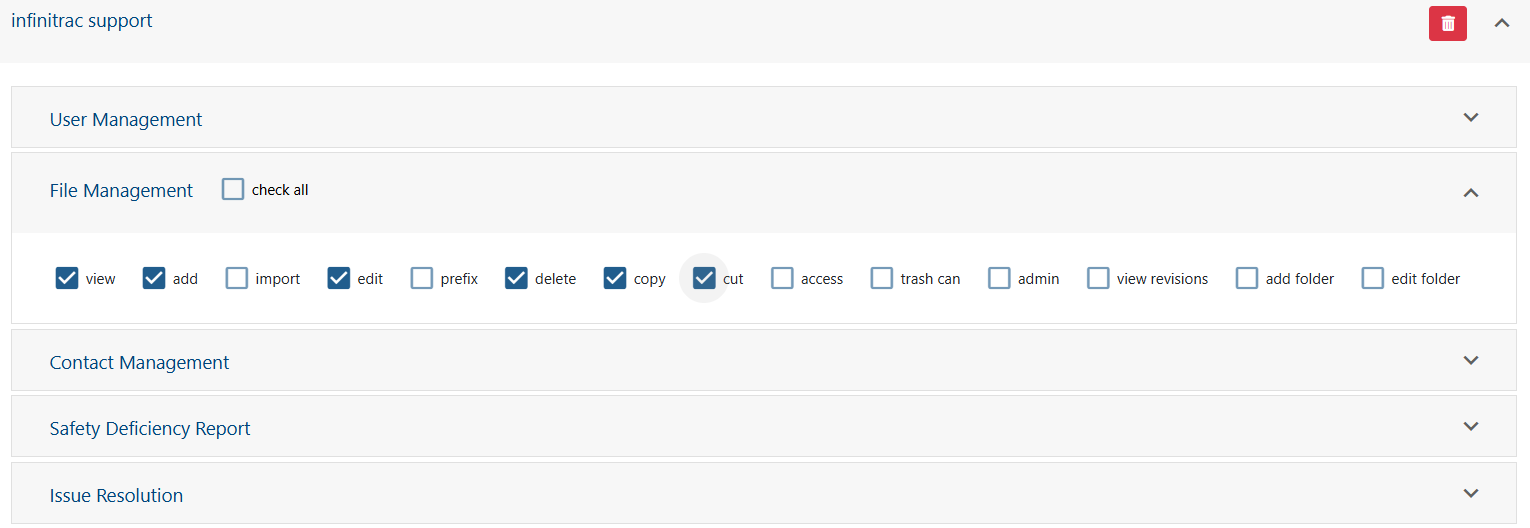
Select an already created role to edit, click on role name to expand the tabs
Expand the modules to update privileges for.
Click “Save” button when finished, or “Revert” button to undo the changes.
On a success operation, a notification will display the next message: “[Role Name] was successfully edited“. Otherwise, on a fail will display: “Error: Failed to edit [Role Name]“.
Exercise caution when modifying role’s privileges, especially if the user has only one role. It is possible to lock user out of the infinitrac instance if certain privileges are removed
Read more on an explanation of each module’s privileges here.