Editing a Project
To edit a project:
Select the project to edit making it active project in the project switcher.
Click on the project name to expand it and display the Detail View.
Click on the “Edit” button.
Edit the fields as needed.
Click “Save“ button to keep chances or “Revert“ to discard.
To edit a project, it needs to be the selected active project in the project switcher.
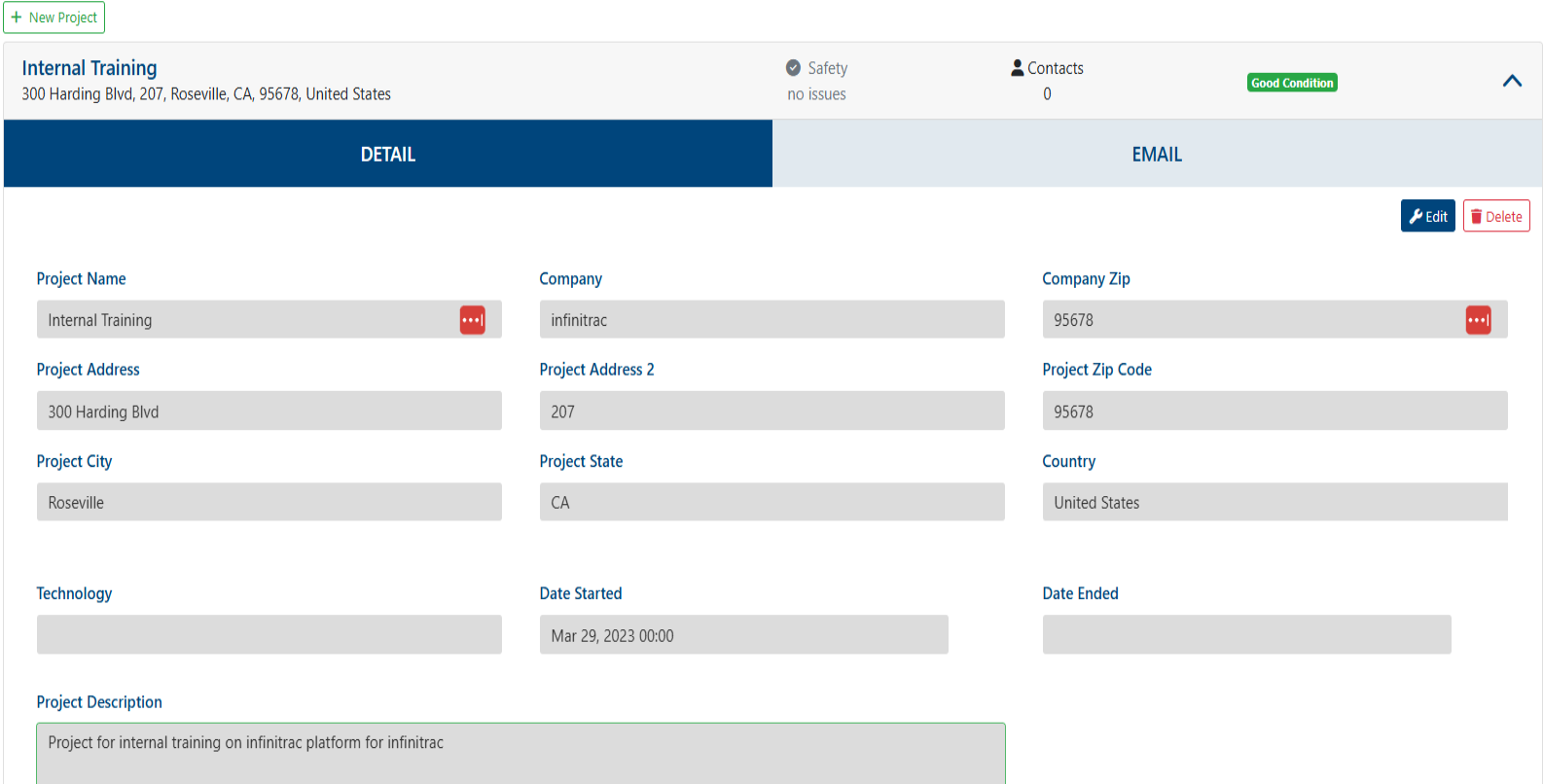
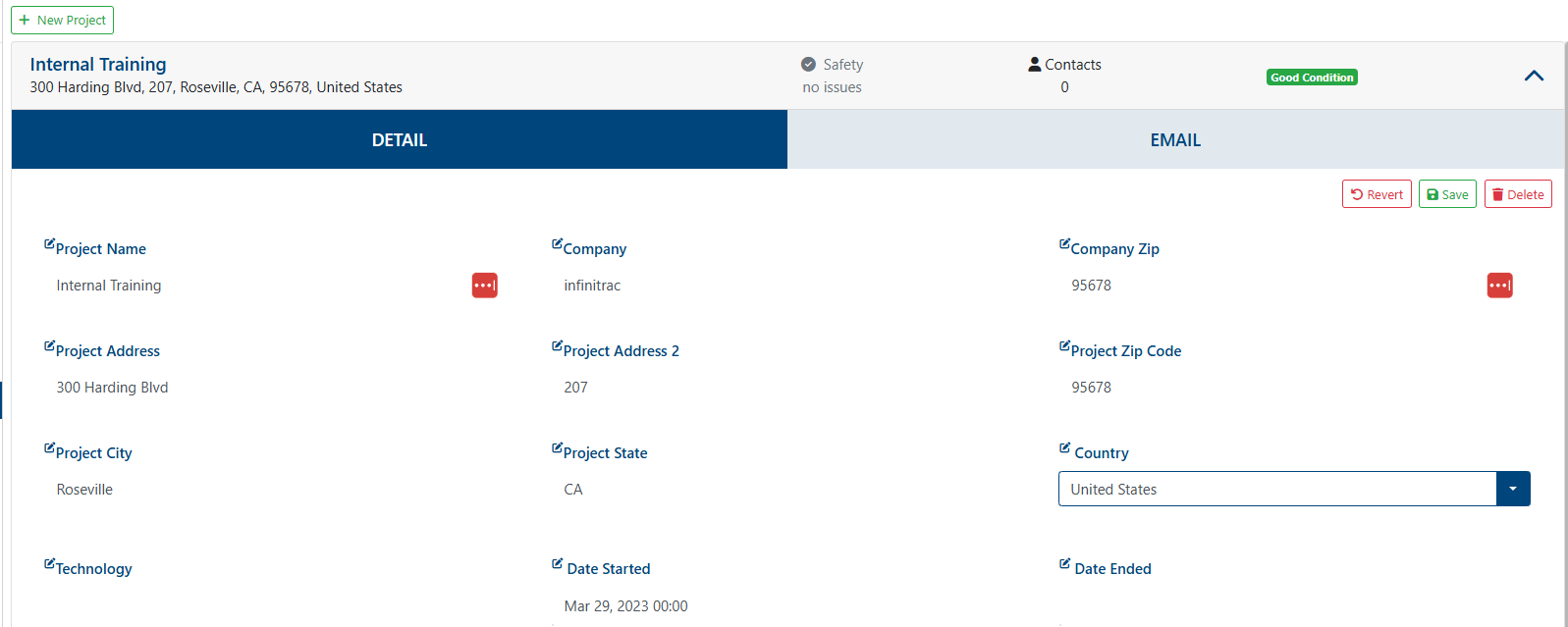
On a success transaction, a notification will be shown, displaying the next message: “The project was successfully edited“. Otherwise, on a fail will display: “Error: Failed to edit project“.
Once edit is saved user can't revert to the fields' previous state.