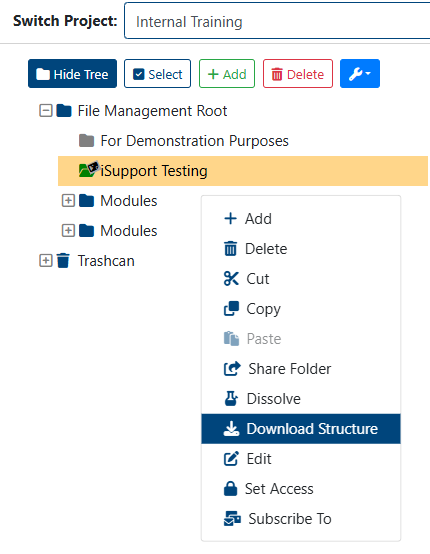
Toolbar Buttons
Throughout infinitrac, the various modules, views, and tabs feature their own set of buttons (referred to as button toolbars). Some are specific to the module or view, while others appear in most, if not all, content areas.
Depending on user privileges, some buttons featured in this guide may not be visible or accessible.
Buttons in the toolbar can also change based on user input.
In the Folder Tree, for example, selecting a folder displays the “Add,” “Delete,” and “More Options” buttons.
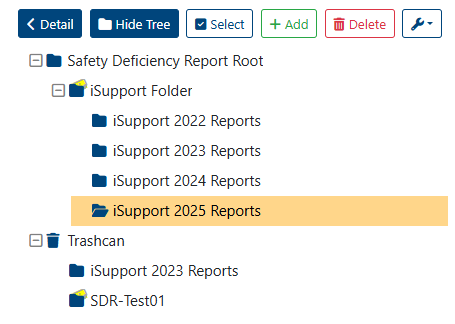
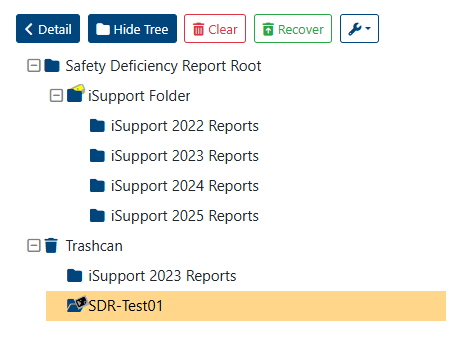
Selecting a folder from the trashcan, however, will display the “Clear” and “Recover” buttons.
Right-Click Toolbar Options
Toolbar Button’s options can be displayed by Right-clicking a Tree object, options availability behaves the same as the Toolbar Buttons.