Editing a Safety Deficiency Report(s)
To edit a Safety Deficiency Report (SDR), user role must have an “edit“ privilege enabled.

To edit other details relating to the SDR:
Switch into the Detail View by clicking the “List” button in the folder tree’s toolbar.
Edit the needed fields.
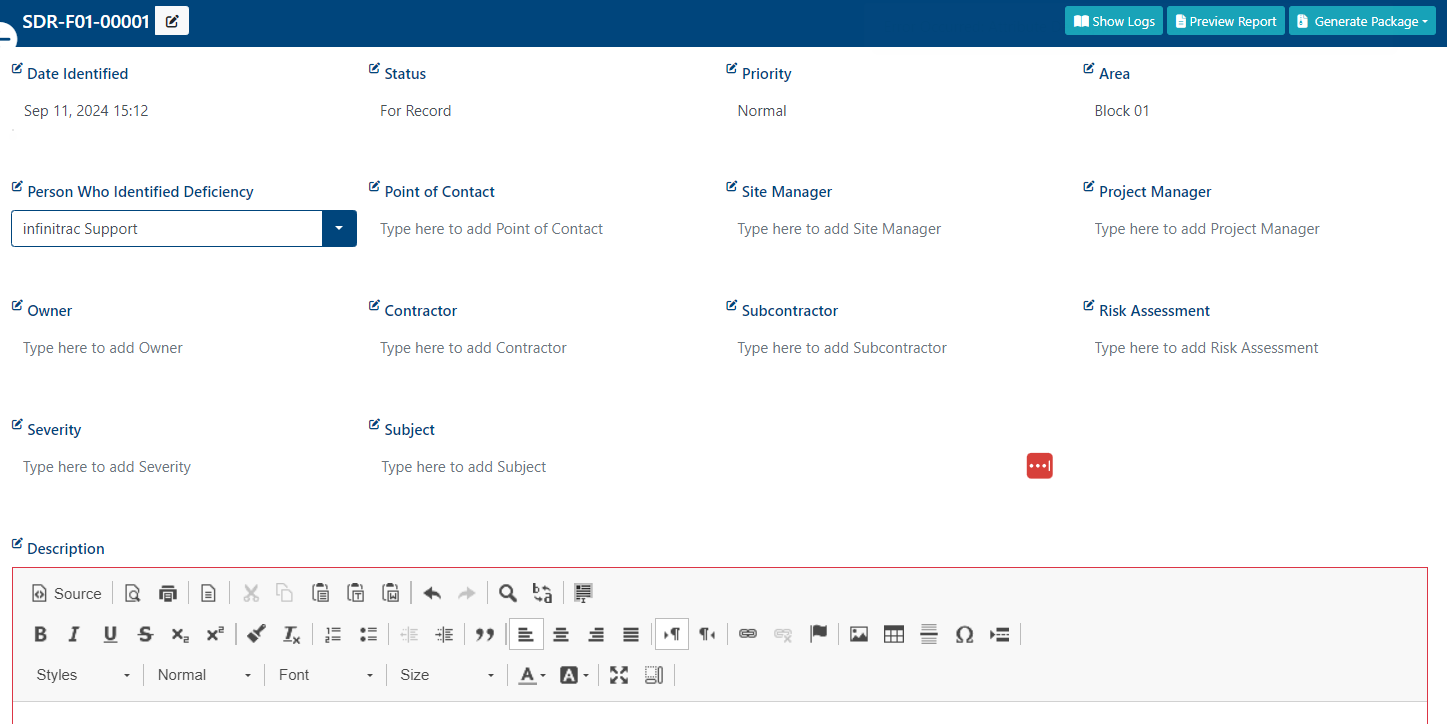
All changes are saved automatically.
Once the SDR has been updated, a success alert message will appear at the top right hand corner with a message: “SDR Transmittal was successfully edited“. A failed operation will display message “Error Occurred: Failed to edit [SDR Name] ”.
Note: An SDR can only be edited when its Status is not set to “Closed”. To edit closed SDR they must be re-opened first.