Preview and Download a Safety Deficiency Report(s)
Preview an SDR Report
To preview an SDR Report:
Select the SDR to preview.
Click on the “< List” button in the folder tree toolbar, this will open the Detail View of the selected SDR.
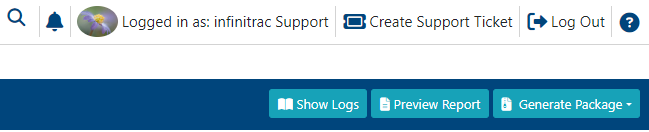
Click “Preview Report” button in the upper right-hand corner.
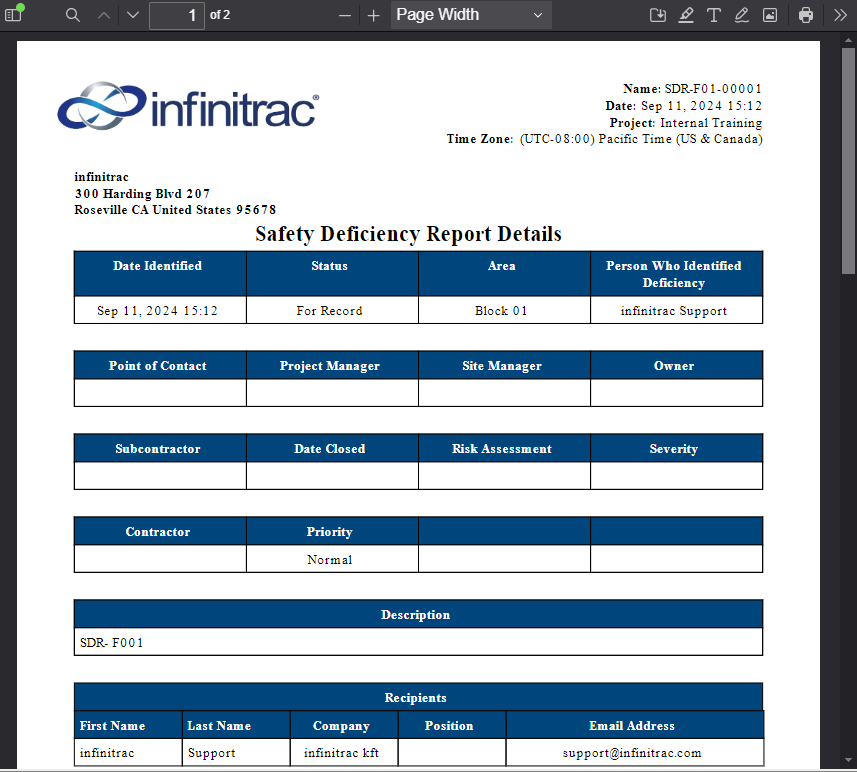
The report will be in PDF format, and will include all available information from the Detail View - name recipients, comments, names of files uploaded as well as the details of the report itself (see screenshot below).
Downloading an SDR package
To download an SDR Package:
Select the SDR to download.
Click on the “< List” button in the folder tree toolbar, this will open the Detail View of the selected Transmittal.
Click “Download Package” button in the upper right-hand corner.

A success alert message will appear on the top right hand corner with a message composed of the downloading date and transmittal name.
Eg: “2021-03-10_ROOT-00003_ Rev_01.zip downloaded successfully“
It will download a zip format folder of the SDR report, which includes every file associated with the SDR as well and the report itself in PDF format.
"Download Package" button becomes available when an SDR has been closed.