Convert a Revision
Converting a revision means transforming the already grouped revisions of a file, into files located in the library, with the convert function.
To convert a revision to a file:
Navigate to the file location in the File Management Module.
Click on the "Rev Count" button, to bring up the “Detail View” of the file, including all its revisions.
Select one or more revision(s) to convert into separate files.
Click the "Convert" button.
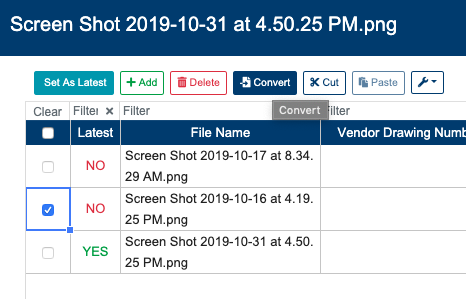
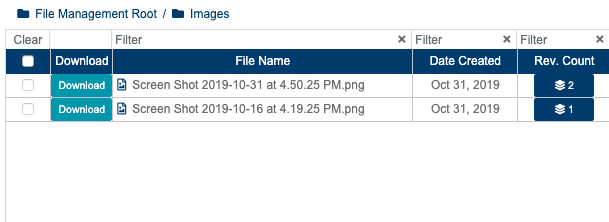
The revisions will be converted into files, and placed into the same folder as the original file.
On a success transaction, system will display the next message: “X/X Revisions Converted“. On a failed one will display: “Error: Failed to Convert Revisions“.
Latest revision can not be converted, make sure to set a prior revision as latest to perform this action.