Download a Revision
At downloading a file, will automatically download its latest revision. Each revision belonging to a file can also be downloaded separately.
To download one or more revisions of a file:
Navigate to the file Detail View, by clicking on the “Rev Count” button.
Select all the revisions to download, and click on "Download Files" button.
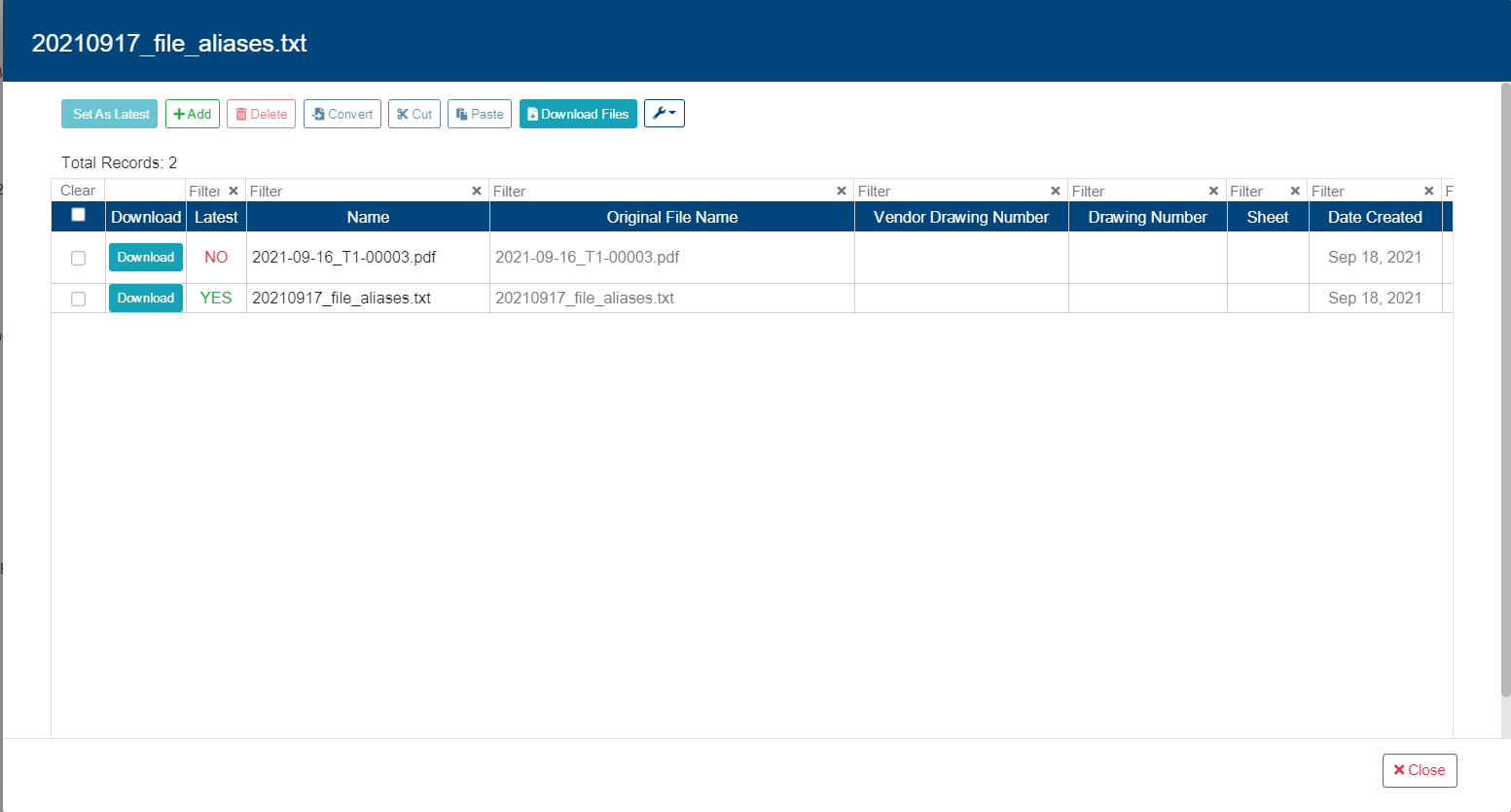
If more than one revision is selected, the files will be downloaded as a .zip archive that user will need to unpack.