Update User Information
User information can be updated, as well as the password
Updating Personal Information
To update personal information:
Navigate to the “Profile” via the Navigation Menu.
Click on “About“ tab.
Click the “Edit” button.
Edit the fields as needed.
Click “Save“ button for keeping the changes, or “Revert“ button to discard them.
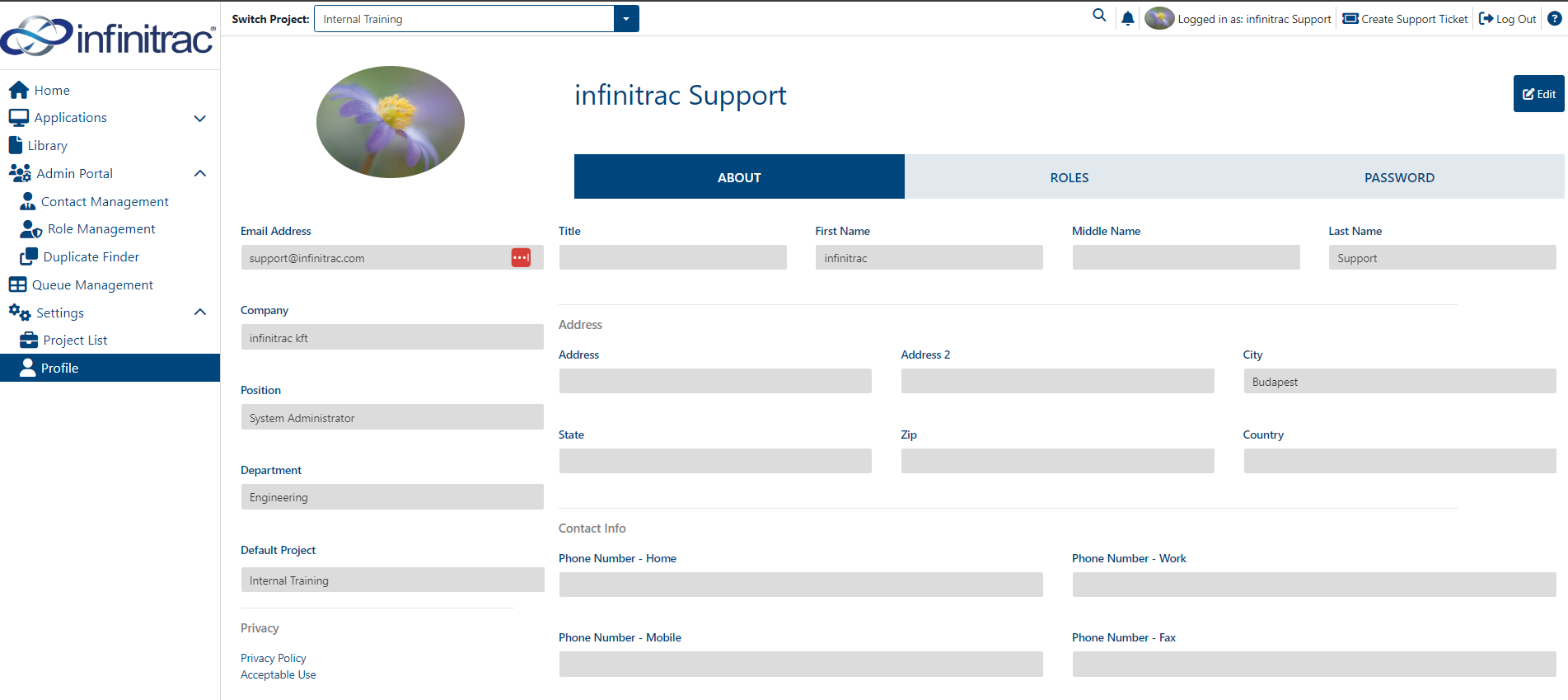
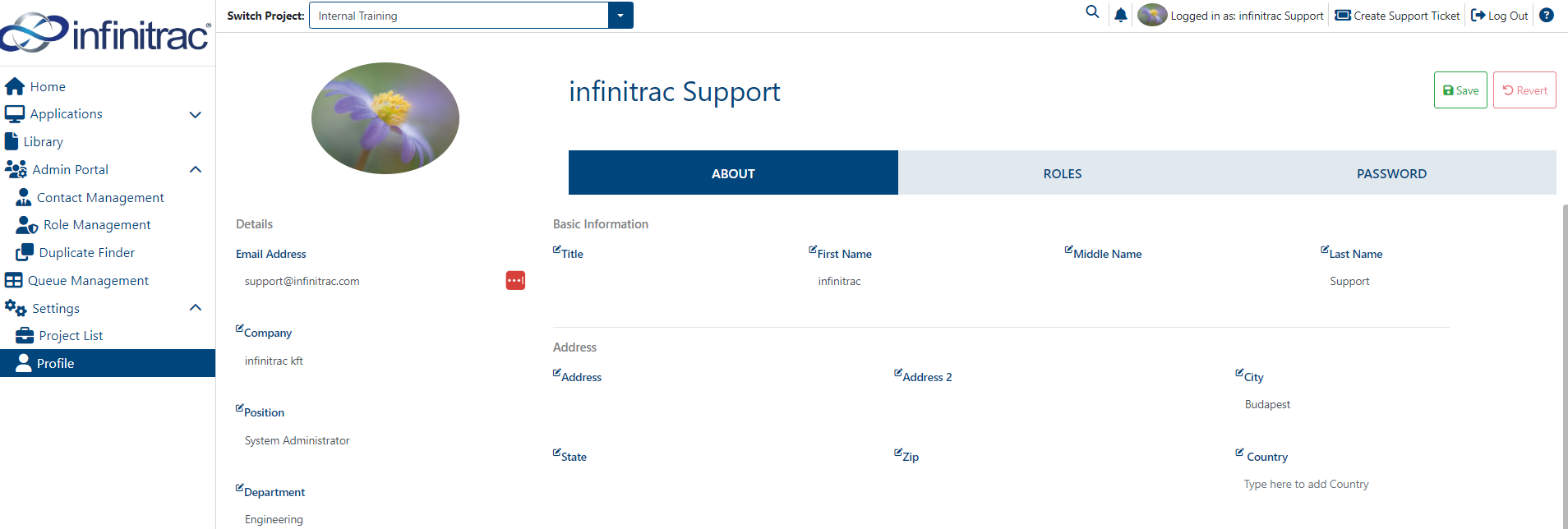
Once changes made on editable fields are saved, can not be reverted.
A success operation will display a notification with the next message: “[editable field name] was successfully edited“.
Updating Password
To change password:
Navigate to the “Profile” via the Navigation Menu.
Click on “Password” tab.
Enter new password.
Re-enter new password.
Click “Submit” button to set it.
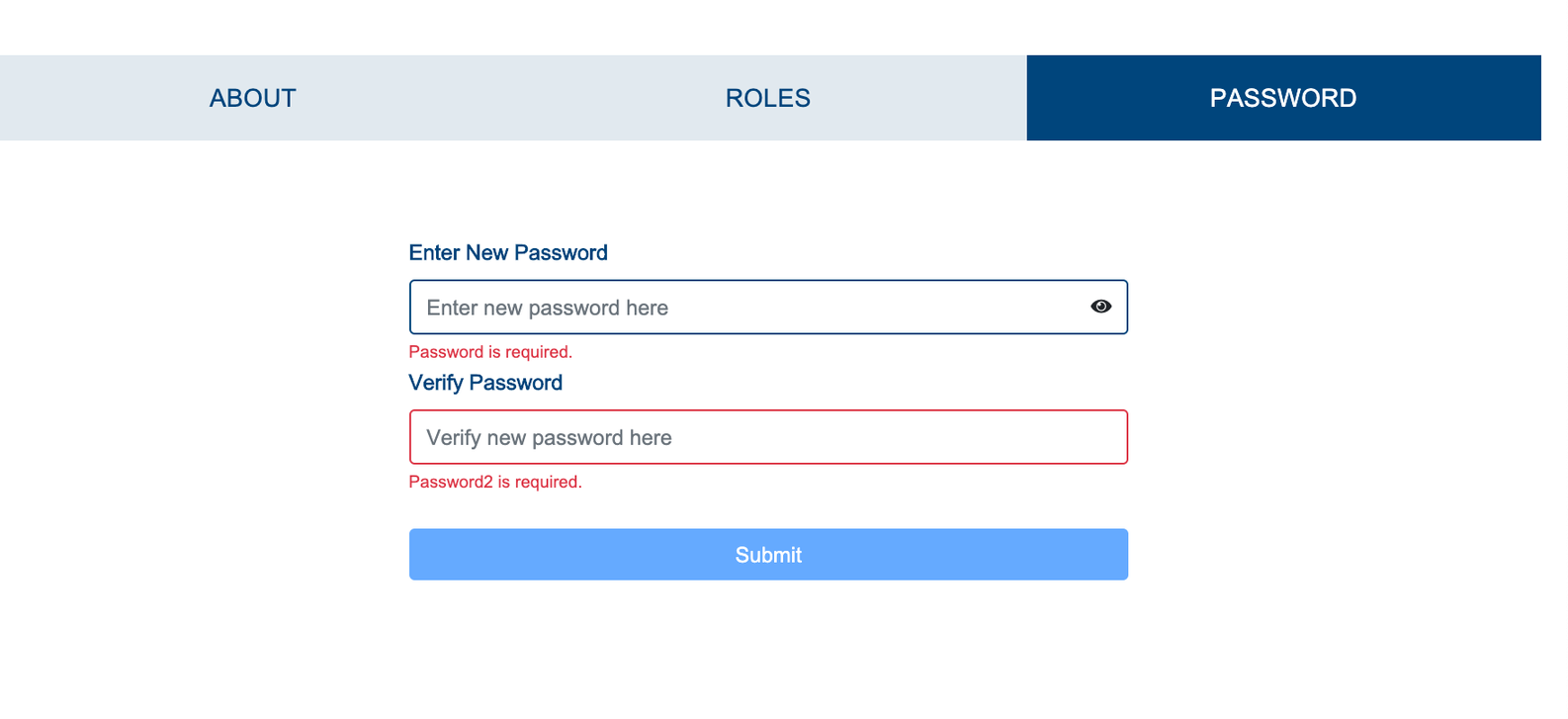
On a success, system will display “Password changed successfully“ as notification alert.