Copy of Delete Found Items
This article demonstrates how to delete item(s) permanently via the Search Module.
Instructions
To delete item(s), select the desired ones to delete and click Delete.
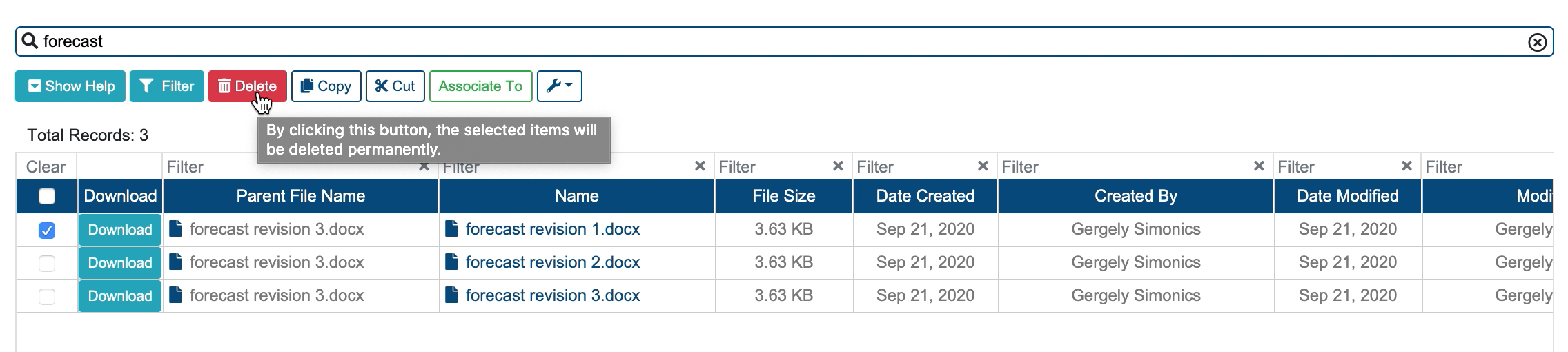
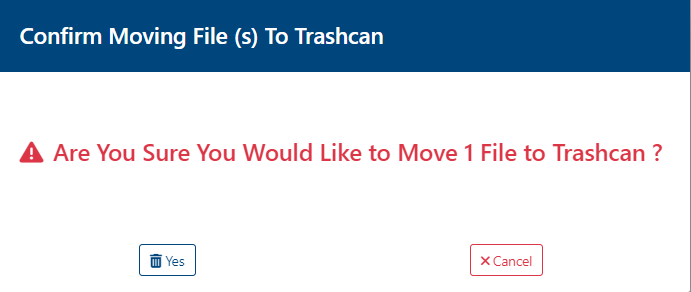
A confirmation modal opens up. Confirm the action to delete the selected item(s) permanently.
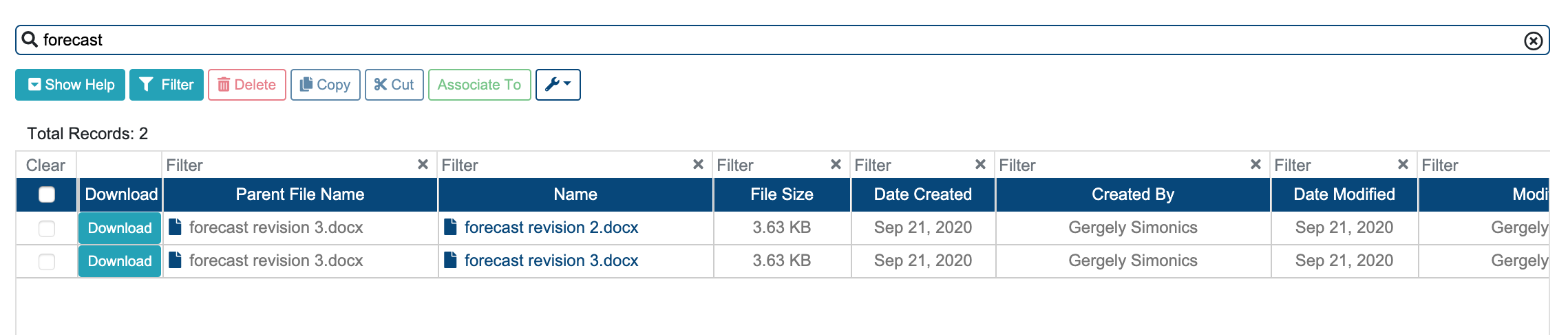
As the image shows below, the selected File Revision is deleted.
Related articles
Related issues |
|---|