Safety Deficiency Report Logs
Within an SDR's Detail View, on the right-hand-side a collapsible column displaying "Logs". Each entry contains: Type of change made to the SDR, author, and date of change.
By default, the logs will be displayed; to hide them, click on the "^" symbol. Once hidden, the logs can be displayed again by clicking on the "Show Logs" button next to the "Download Report" button.
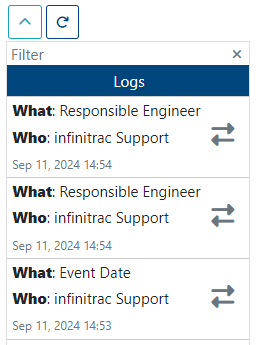
Number of visible entries can be modified by clicking on the downward arrow button.