Downloading a Folder Structure
Instead of simply downloading files/folders one-by-one, user can also download entire folder structures (with subfolders, files). These structures will be archived for download.
To download a structure:
Select the parent folder, located on the folder tree view in the File Management module.
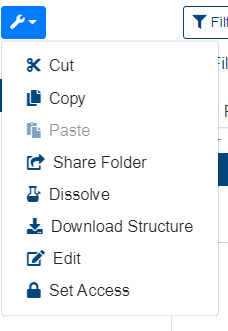
Click on the “More Options” button
Select "Download Structure" button.
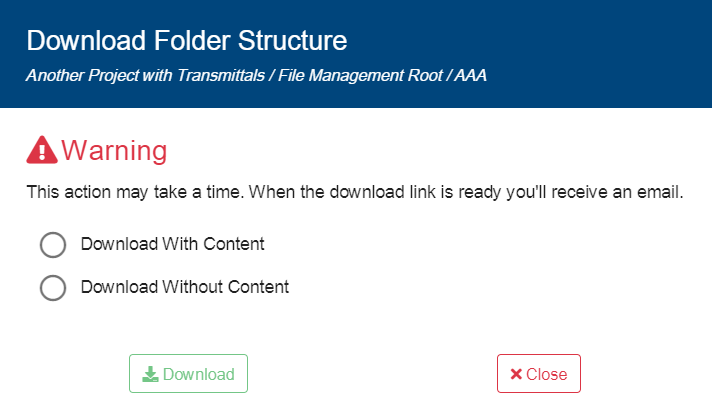
A new window will pop up, where user can select to download the structure with/without content.
Click on “Download” button.
Once clicking at “Download”, a notification about the successful transaction will display with next message: “Download structure task has been queued. You will receive email to [email address] when system is done preparing the .zip file(s)“. A failed transaction will display: ““
As archiving may take time depending on the folders' contents, it may take some time to receive the e-mail. Once received, click on the link in the e-mail and the folder structure will be downloaded.
User can also choose to download a folder structure without content - this is especially useful when a folder structure is to be reused for new projects. User can download an existing project's folder structure (without content), and upload the archived structure into the new project as a template.