Site Layout
Once a user logs into an infinitrac account, they will see this general layout:
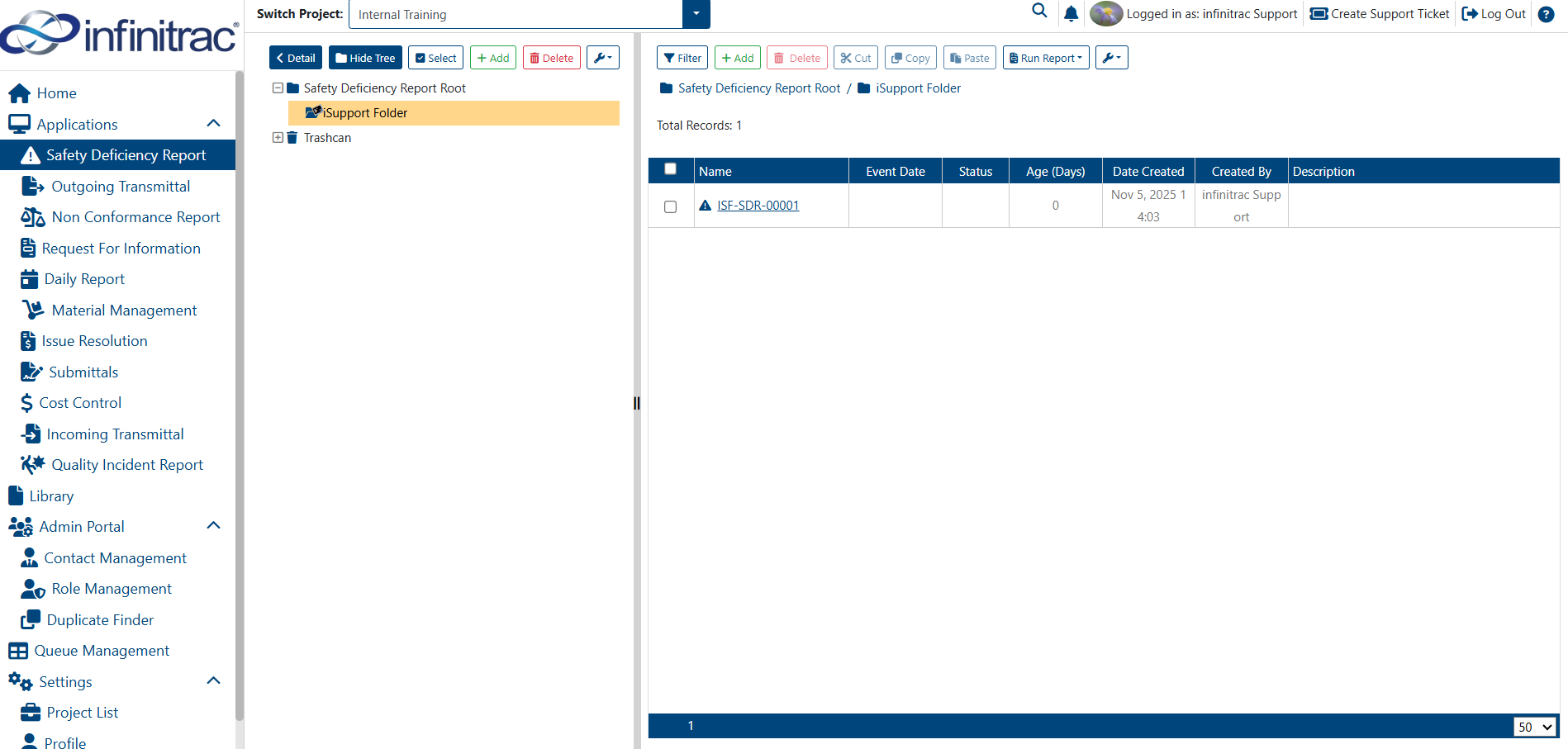
This will be referred to as the “Default View” throughout this guide. It provides an overview of the module and all its content (files, SDRs, users, contacts). To view all the details of an item, the user must switch to the “Detail View.”
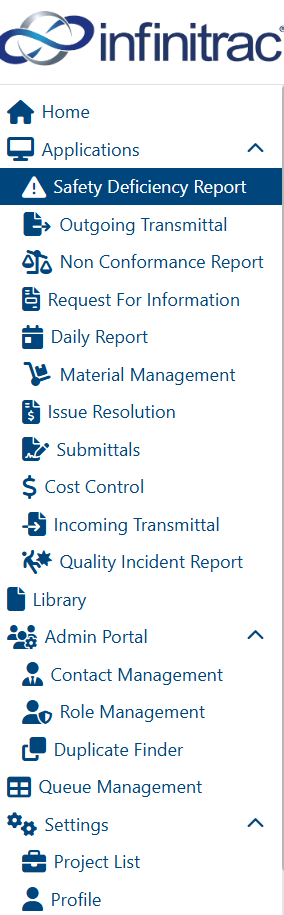
The left-hand side contains the navigation to available Infinitrac modules — hereafter referred to as the “Navigation Menu.” It is present in every module. The user can click on the Infinitrac logo above the menu to hide or show it.
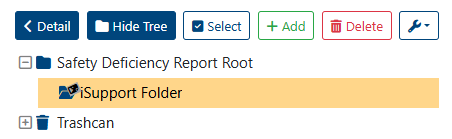
The “Folder Tree” lets user navigate through the various folders in the project.
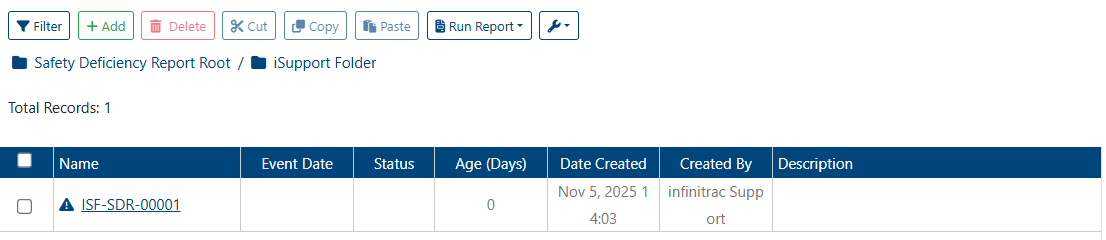
When a folder is selected, the system displays the “Folder Content View,” which shows all files and reports uploaded to that folder.
Both the folder tree and the Folder Content View include functionality buttons, referred to as “Toolbar Buttons.”
Related articles