Deleting Roles
By deleting a role only will be removed from the currently active project, user must have “delete“ role enabled to perform this action.
To delete a role:
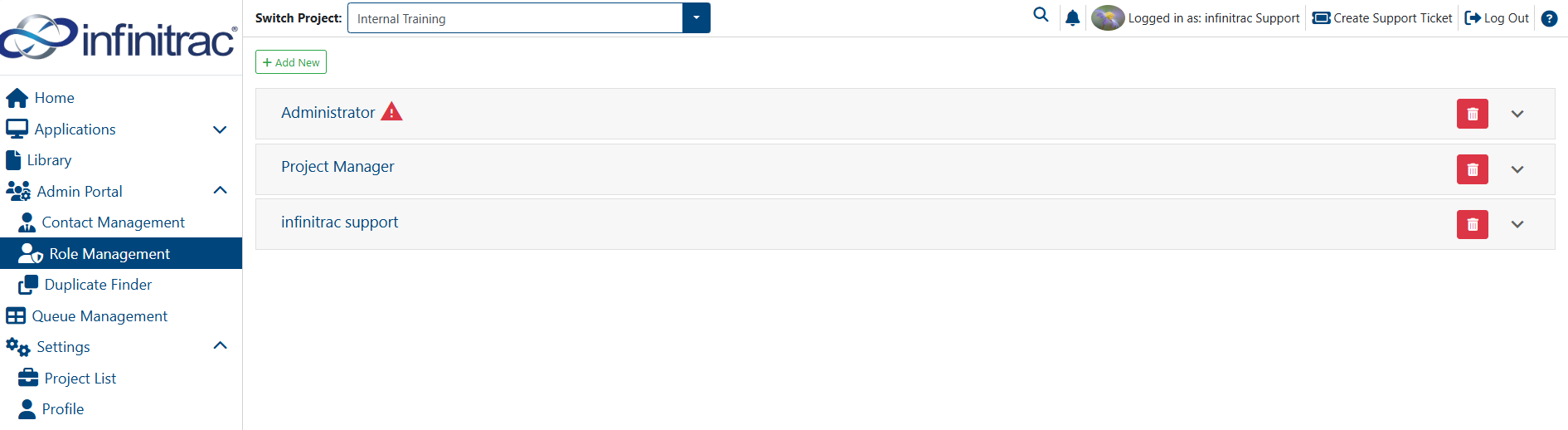
Navigate to the “Role Management”.
Click on the red trashcan button to delete a role.
A confirmation page will be displayed, where can confirm or cancel deletion of the role.
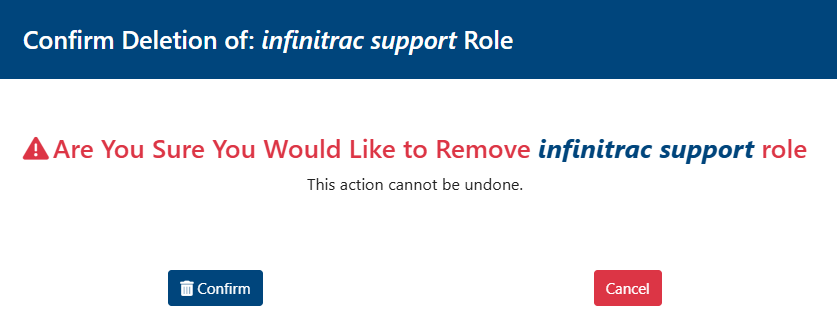
Exercise caution when deleting your own roles - If user only have one role and you delete it, user will lose access to the infinitrac instance.
On a success operation, system will display the next message “Role(s) successfully removed“ as notification. On a failed one will display “Error: Failed to remove role(s)“.