Convert Contact Into User
A contact can be converted into a user, who will have access to the instance, with the roles set for them. The new user will receive a welcome e-mail with instructions on activating their account.
To convert a contact:
Navigate to Contact Management module.
Select the “Contacts” tab.
Select the contacts to convert into user.
Click on the “Convert to User” button in the toolbar.
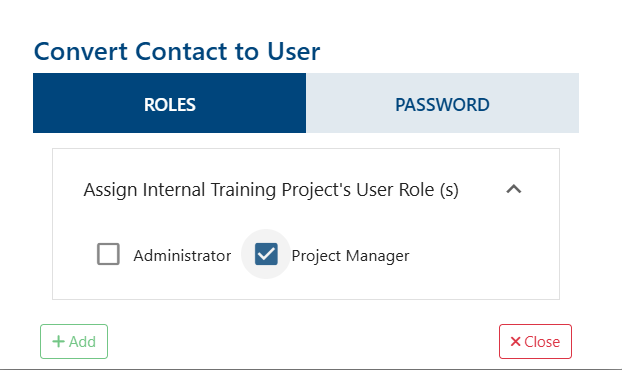
Set the roles and password for the new user
Click “Add” button.

The new user will be in the current instance, and will show up as “Pending” until they have activated their account via the activation code they received in the welcome e-mail.
On a success operation system will display the next message: “Contact has been converted successfully“. Otherwise, on a failure: “Error Occurred: Could not convert Contact due to a server error. If this alert persists, please submit a support ticket“.