Adding a Project
User can create projects within infinitrac, being able to manage multiple of these in the same instance. User must have “access“ role enable.
To add one or more project(s):
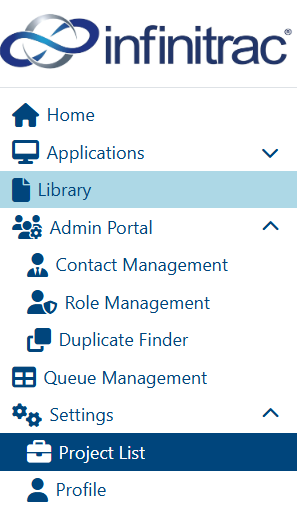
Navigate to “Project List” module.
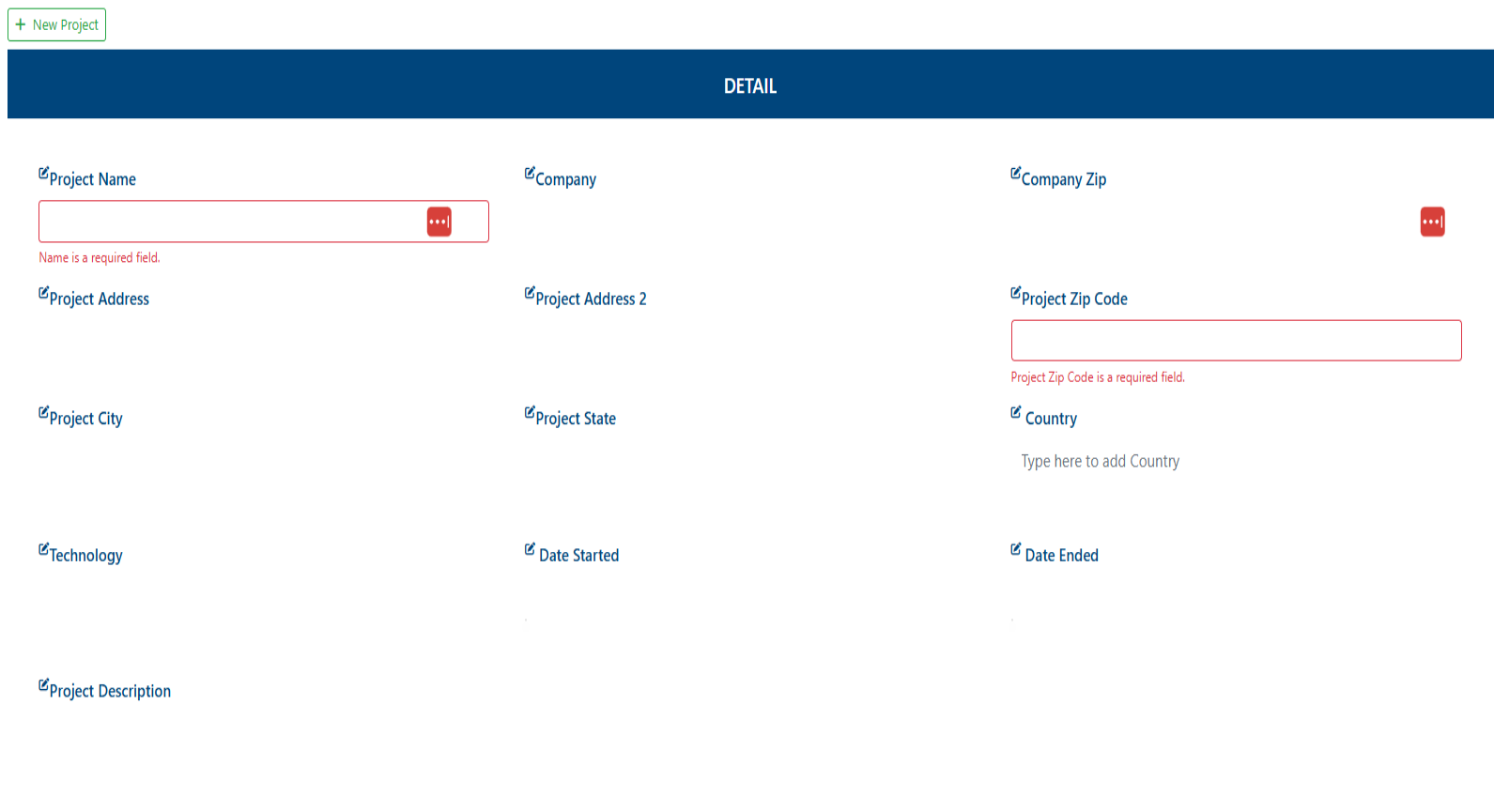
Click on the “New Project” button.
Fill all required fields, name and zip code are mandatory to proceed.
Click on “Create Project“ button.

On a success operation, system will display the next message “The project has been created successfully“ as notification, on a failure will display: “Error Occurred: Failed to create project“.
The new project will be created, and become the active project.
All instance’s registered users will have access to the new project, set role’s privileges for each user if needed, check out how.