Deleting a Project
To delete a project:
Select the project to delete making it active project in the project switcher.
Click on the project name to expand it and display the Detail View.
Click on the “Delete” button.
A warning will be displayed, to confirm deletion of the project user need to re-enter password.
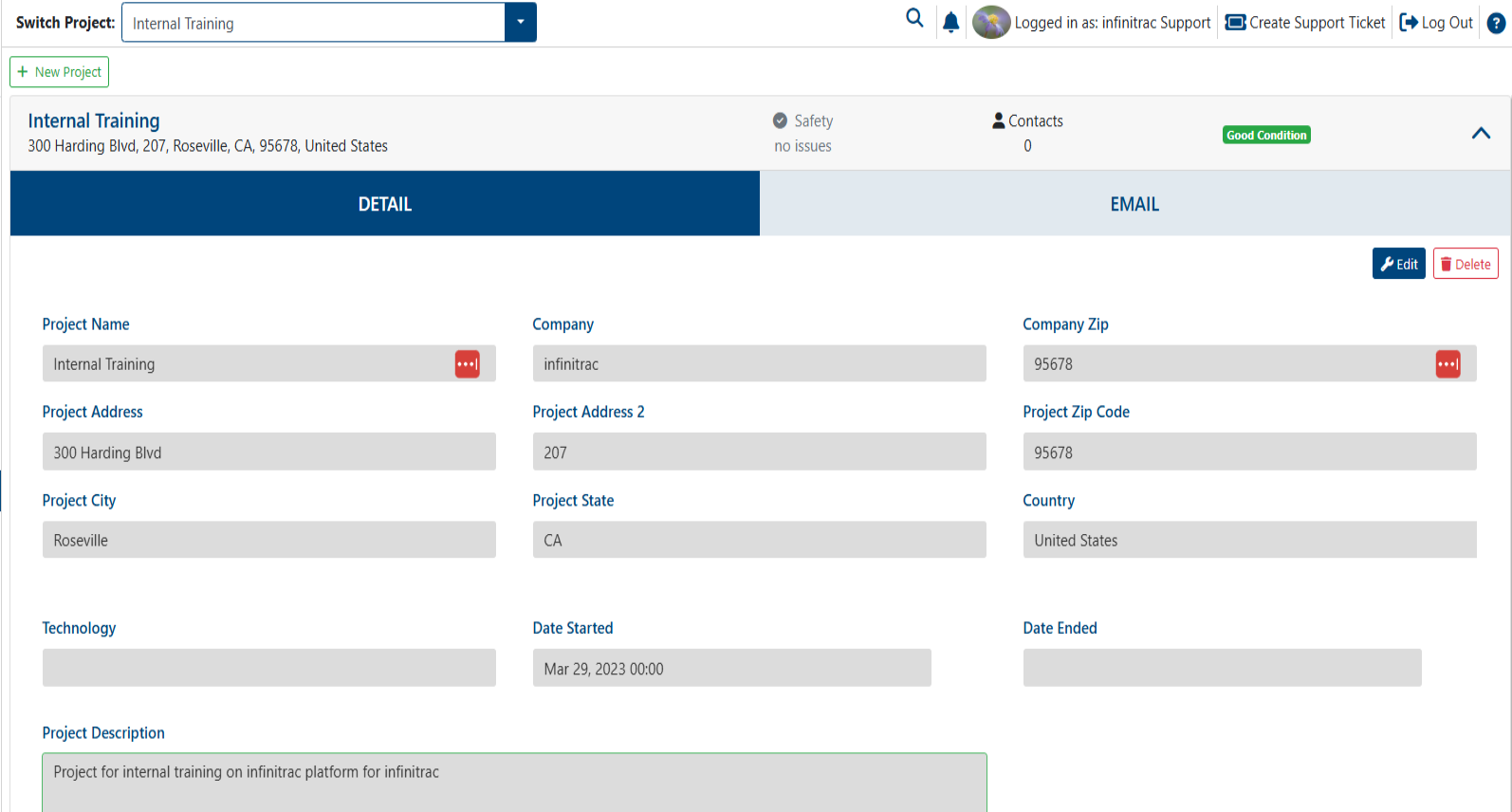
“Delete“ button becomes available when the active project’s Detail View is expanded.
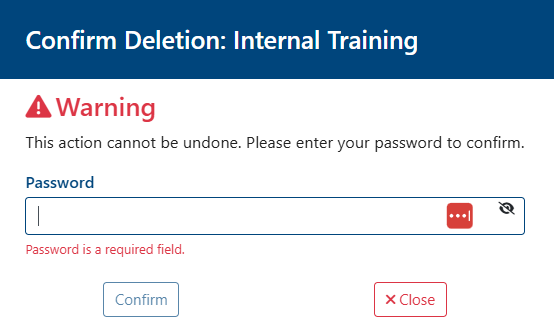
On a success transaction, a notification will be shown, displaying the next message: “The project has been deleted successfully“. Otherwise, on a fail will display: “Error: Failed to delete project“.
Only the active project can be deleted from Project Management List View, make sure of double checking before deleting, removing a project is permanent and can not be reverted.