Deleting a Safety Deficiency Report(s)
To delete a Safety Deficiency Report (SDR), user role must have an “delete“ privilege enabled.

To delete an SDR in Detail View:
Click on the “< List” button folder tree toolbar button to switch views.
Click “Delete” button in the SDR list’s toolbar.
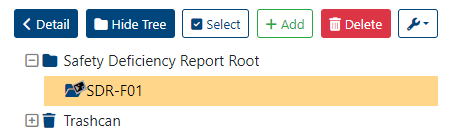
This moves selected SDR(s) to the trashcan where they can be cleared/recovered from.
On a success, system will display the next message “Safety Deficiency Report(s) successfully moved to Trashcan“ as notification. On a failure will display “Error: Failed to delete SDR“.
Clearing an SDR from the trashcan will also remove all associated files from the servers.