Request For Information Comments
Adding Comments to a Request For Information (RFI)
To add a comment to an RFI:
Navigate into its Detail View.
Scroll down to “Comments”.
Expand the section.
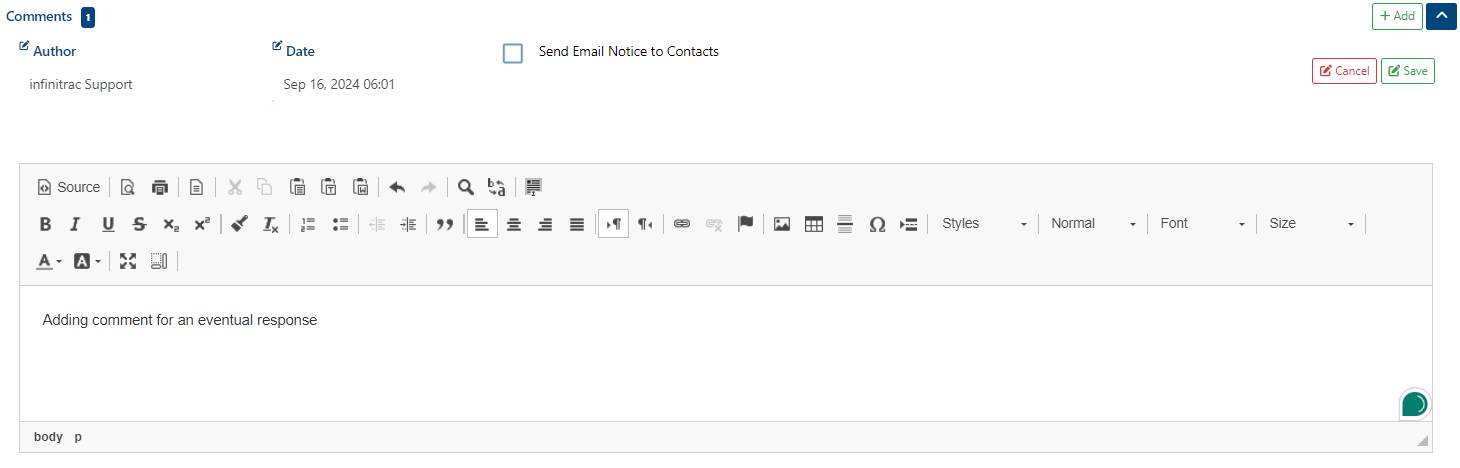
Click on the “+” button to add a new comment.
Click “Save” button.
Once the comment is published, a success alert message will pop-up with the next message: “Comment was added“.
Use the “Reply” button to respond to an existing comment.
Editing Comments of a RFI
To edit an RFI comment:
Click on the “Edit” button.
Update the comment.
Click “Save” button to keep the updated comment.


Deleting Comments of an RFI
To delete an RFI comment:
Navigate to the comment to delete.
Click “Delete” button on the comment toolbar.

Deleting a comment is permanent, you won’t be able to revert it.