Users
This document guides the user through User View, identifying its features.
Features
User View will allow you to see all users in the community. This view helps to set up user and control how they can view or edit your business data. Administrators can also login as user and edit the users info
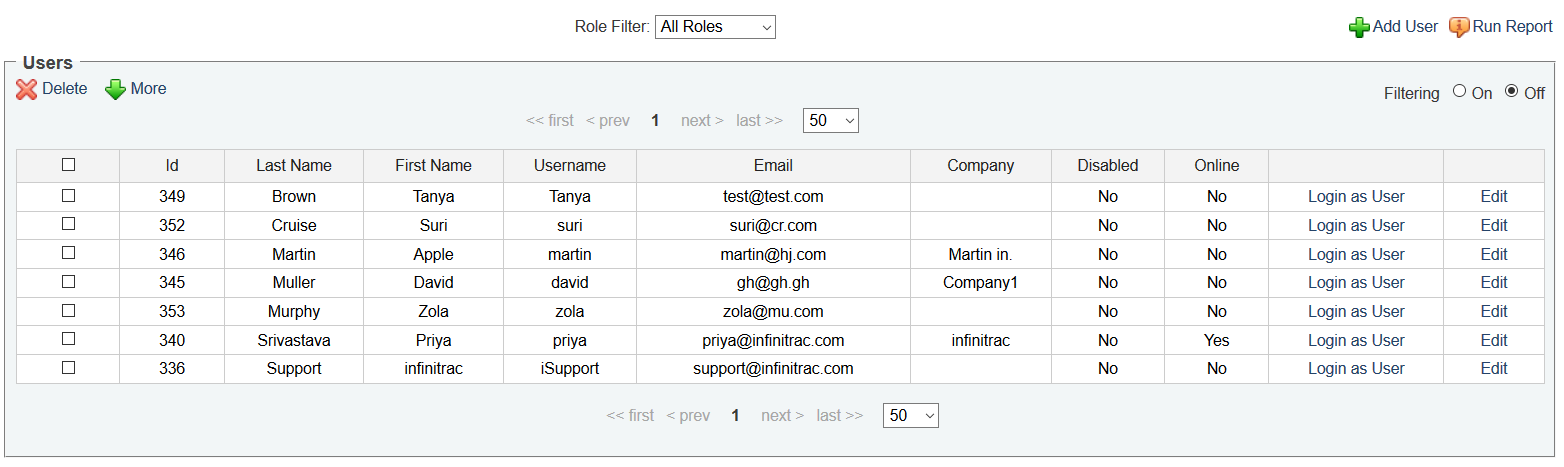
User View has many features such as Add, Delete, Disable and Enable user.
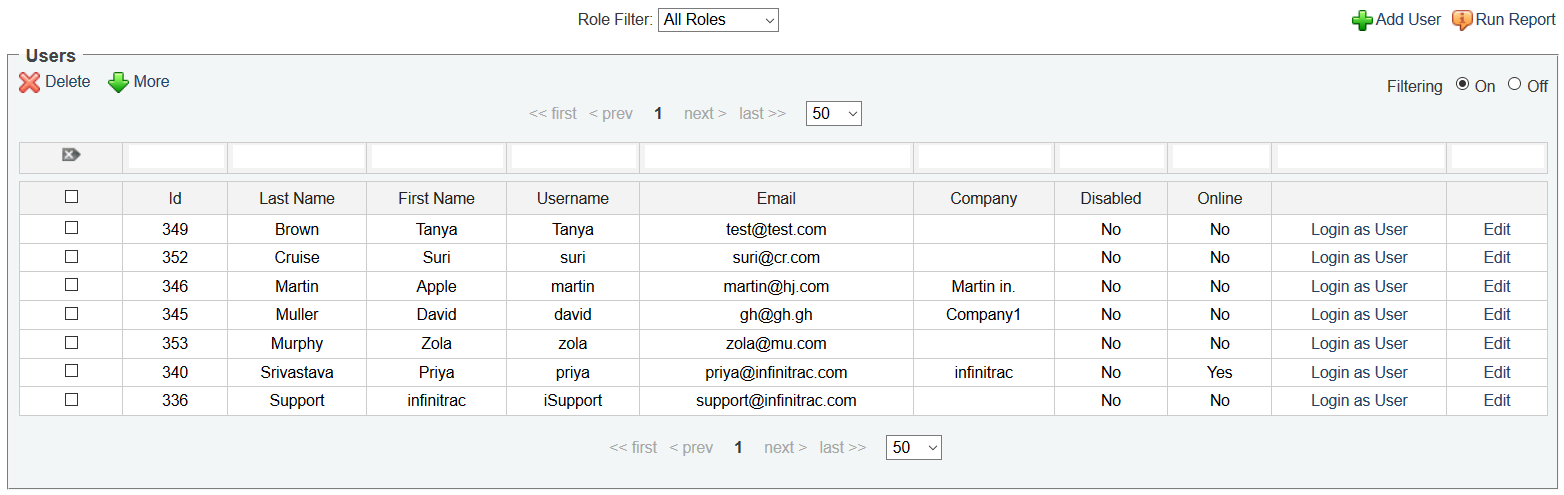
When clicking on the filtering on button you can filter user list that meets certain conditions.
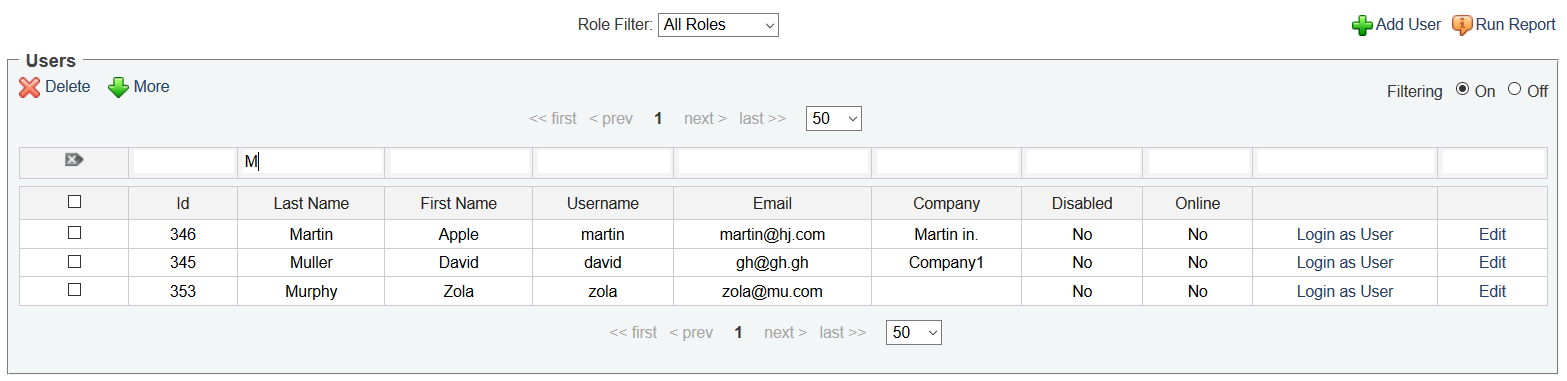
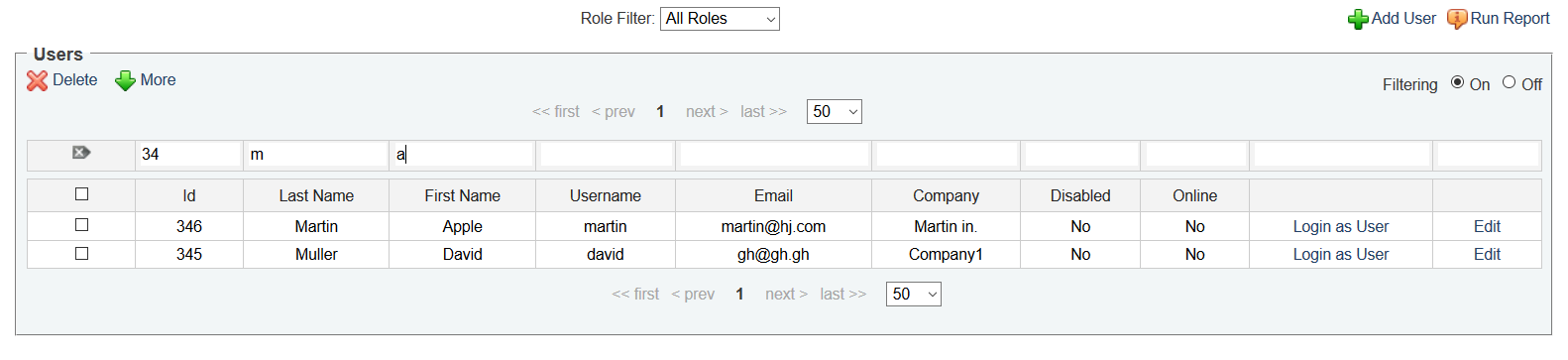
Role filter allow you to get the list of users assign to the selected role.
