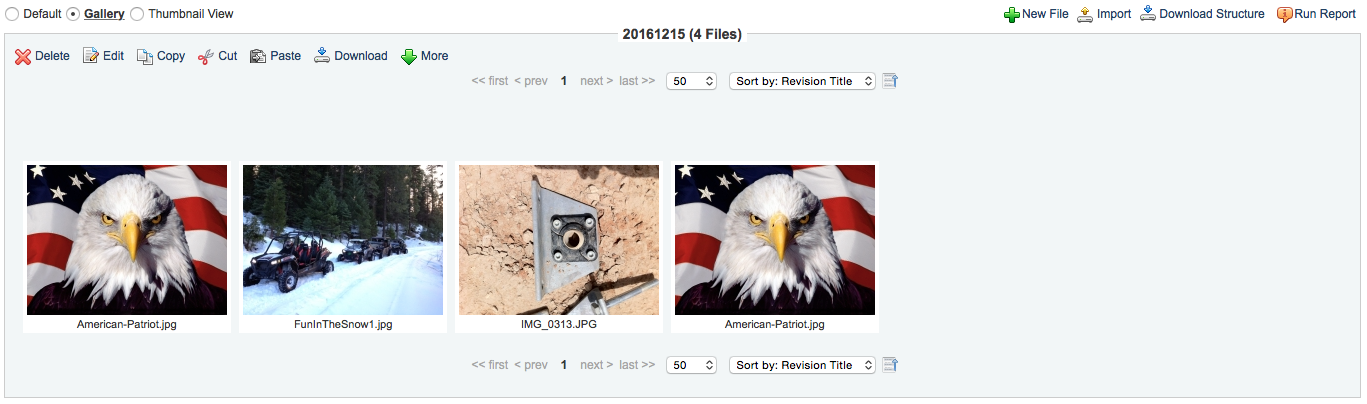
Accessing the Gallery
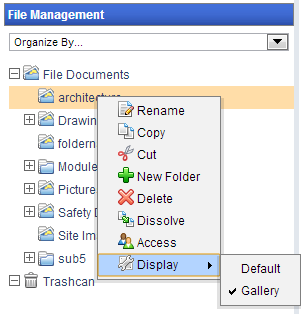
There are two ways to enable the Gallery view for a specific folder:
By right-clicking the selected folder in the folder browser on the left hand side and mousing down to the 'Display' option and then selecting 'Gallery' option.
2. Selecting the option labeled 'Gallery' on the main screen.