Sorting the Gallery
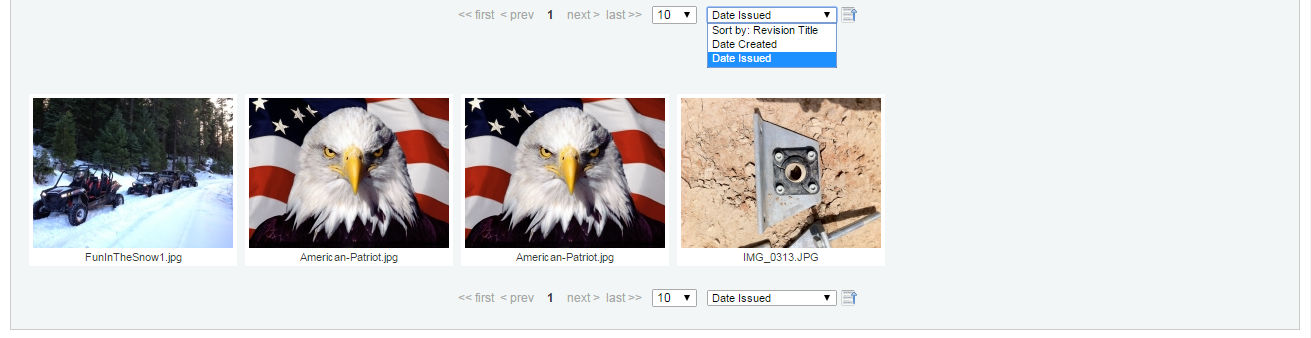
There are currently 3 file attributes that you can sort by in the gallery view: Revision Title, Date Created, and Date Issued. By default the files are sorted by Revision Title in ascending order.
You also have the ability to toggle the sort from ascending to descending by clicking on the toggle switch button, it is on the right of the Sort By menu. An up-arrow indicates the files are in ascending order while the down-arrow indicates them in descending order.