Dashboard Management - Resizing Widgets
In order to resize widgets user must have the following permissions enabled:
Dashboard Management Edit permission

Dashboard Management *Widget Type* Edit permission
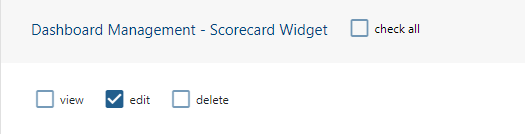
*Edit permission will need to be enabled based on the type of widget the user would like to resize.
To resize widgets:
Proceed to the widget that is to be resized and hold down the double arrow symbol in the bottom right corner of the widget.
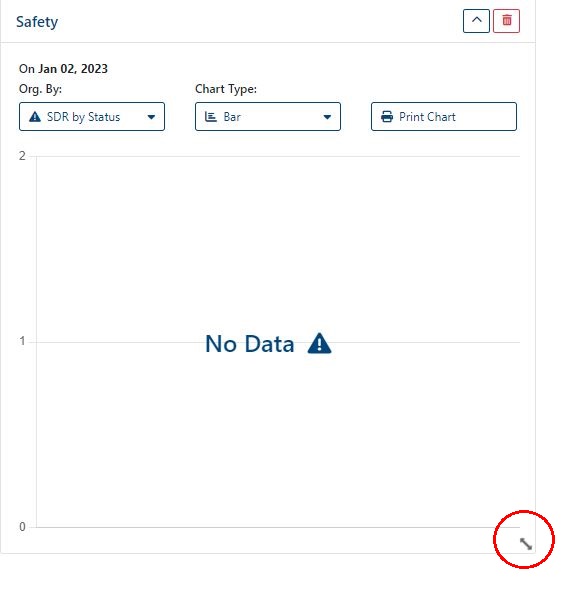
Drag the arrow until the widget is at its desired size and release the arrow, the widget should now be resized.
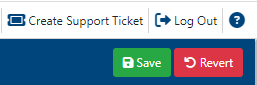
To save changes press the 'Save' button in the top right hand corner of the application.