Dashboard Management - Deleting Widgets
In order to delete widgets user must have the following permissions enabled:
Dashboard Management Delete permission

Dashboard Management *Widget Type* Delete permission
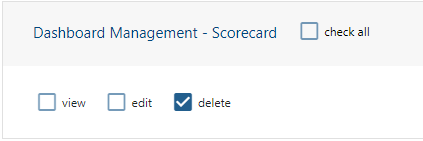
*Delete permission will need to be enabled based on the type of widget the user would like to resize.
To delete widgets:
Proceed to the widget that is to be deleted and click on the 'Trashcan' button in the top right hand corner of the widget.
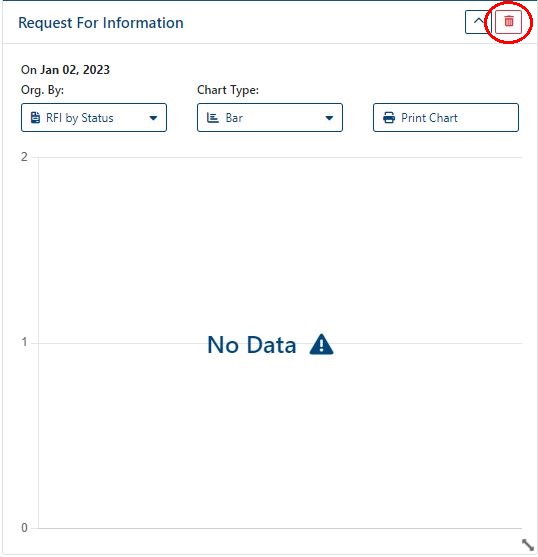
When 'Trashcan' button is clicked a prompt will appear asking for confirmation to delete widget.
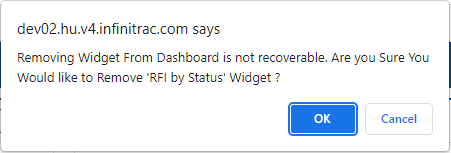
Press 'Ok' within the prompt to delete the widget.
To save changes press the 'Save' button in the top right hand corner of the application.