3.2.1 Default View
The Default View in the List View panel presents the main functions inside the Library:
- Inline Editing (Figure 2.) by double-clicking any of the fields in the data table we can modify a files attributes
- Table configuration button modifies which attributes are displayed in the data table (Figure 2.)
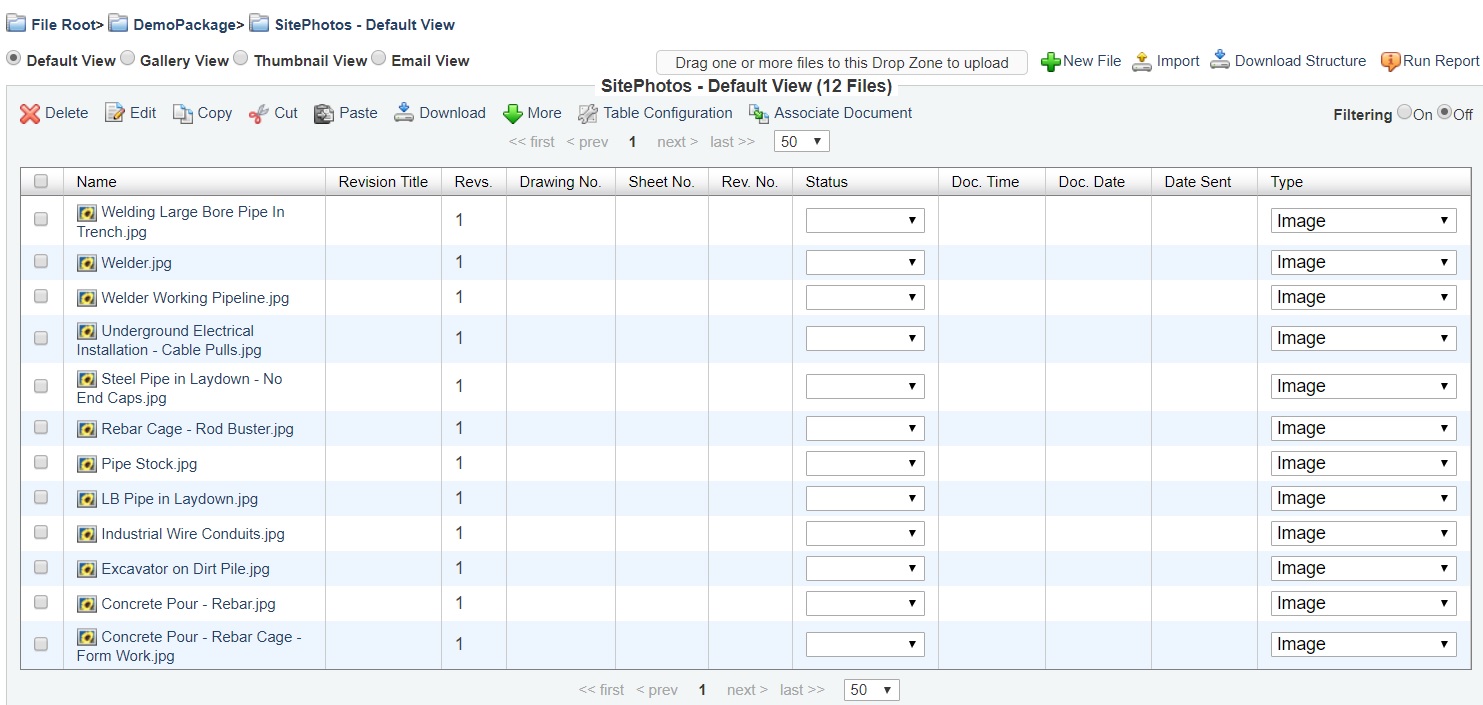
Figure 1. "Default View" in "List View Panel"
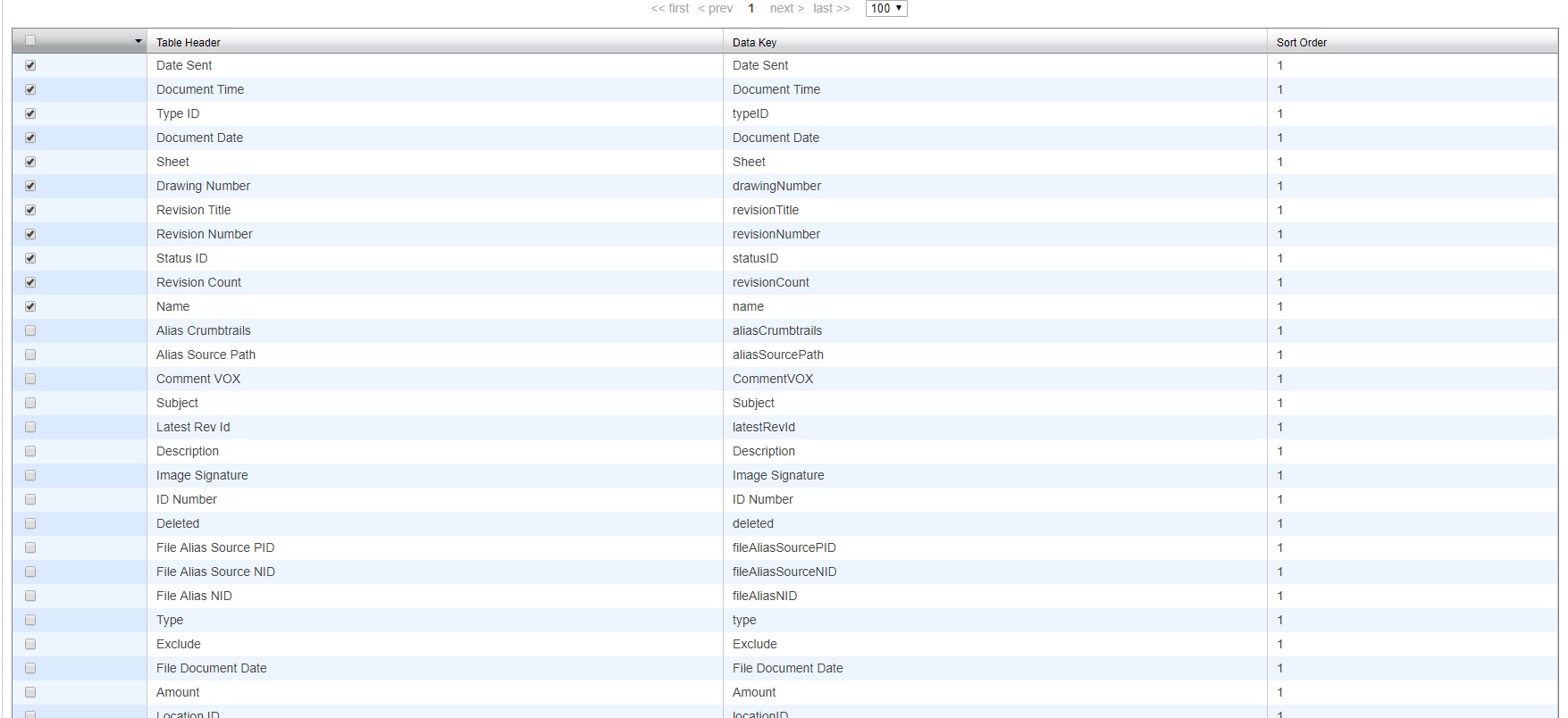
Figure 2. Table configuration window