3.2.4 Email View
Email View is used to view, edit and search through Email data (Figure 1.)
- View email attributes such as:
- Name
- Comment
- Subject
- From
- To
- CC
- Date Sent
- Preview email
- Hover the mouse over the file name
- this will open the File Previewer (Figure 2.)
- Strip email attachments
- Select one or multiple Emails
- Click the More button
- Click Strip Email Attachments button
- Email Attachments will be added as revisions to the selected Emails

Figure 1. Email View
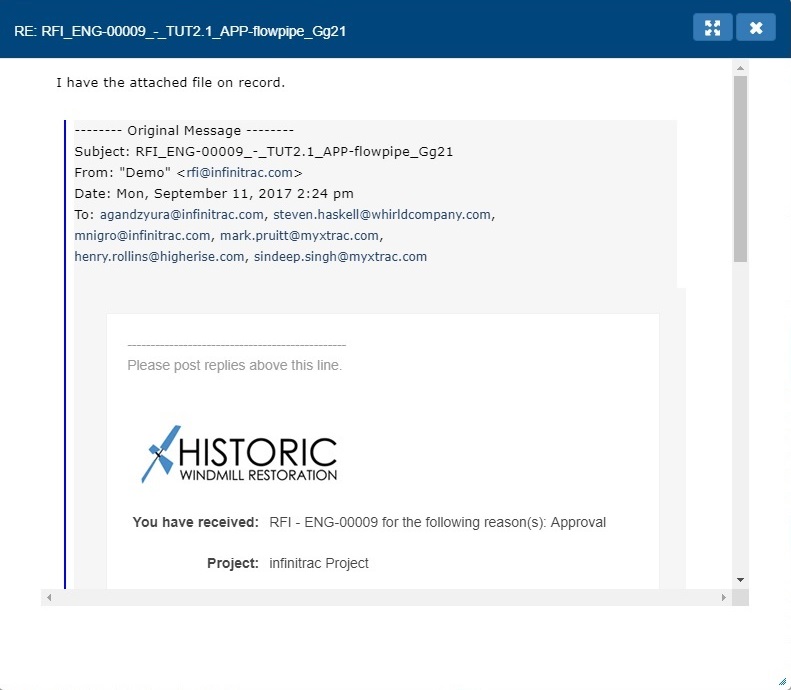
Figure 2. Email preview
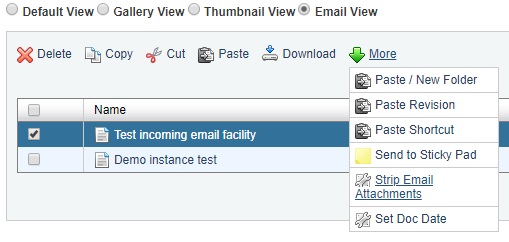
Figure 3. Strip Email Attachments Button