3.4 Download files
There are two ways to download files in infinitrac:
- Select one or multiple files in any viewing mode and click Download button (Figure 1.)
Selecting one file will download it in its original format, if mutliple files are selected infinitrac will create a .zip file containing all files
- Click Download Structure button (Figure 1.) and infinitrac will generate a .zip containing every file and subfolder contained within the folder currently selected in the Folder browser
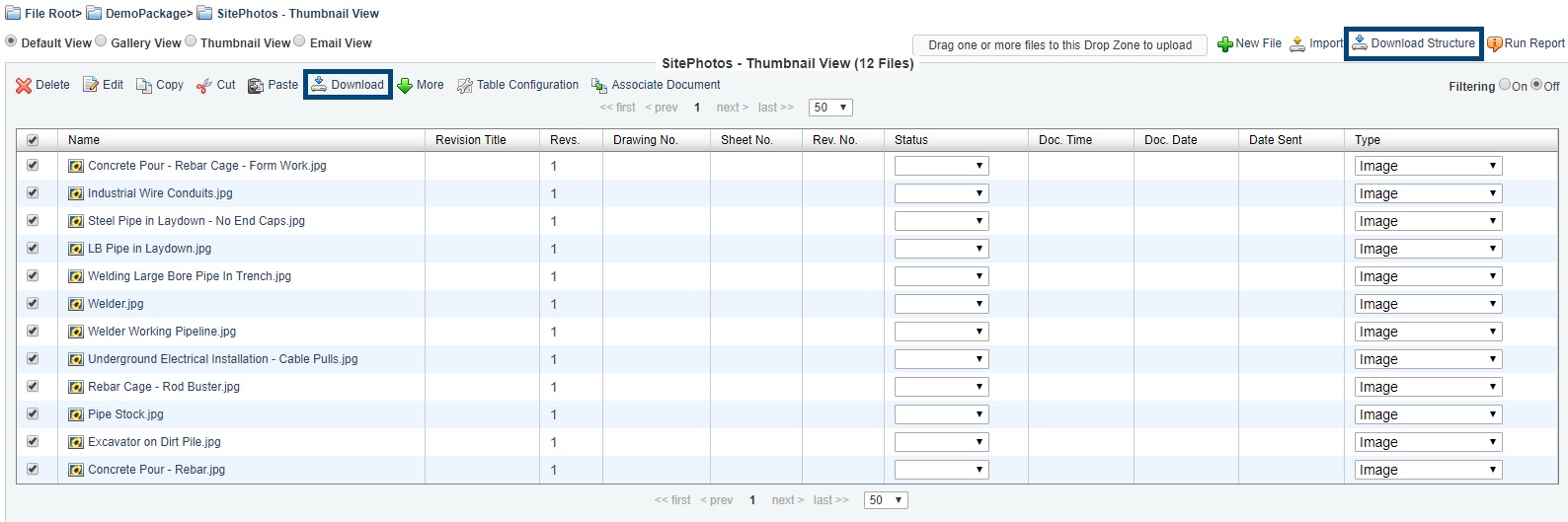
Figure 1. Downloading files