3.5 Associate documents
Associating a document in ifinitrac allows to reference another file or buisness process, this can be done two ways:
- Select one or multiple files in the List View and click Associate Document button (Figure 1.)
- Open a files Detailed View and click Associate Document button (Figure 2.)
If a file has a reference document associated, it can be seen in the files Detailed View (Figure 3.)

Figure 1. Associating Document button in List view
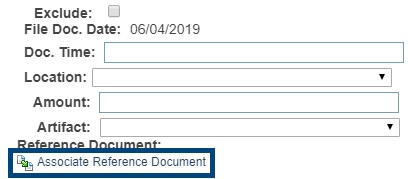

Figure 2. Associate Document button in Detailed view Figure3. Associated document (File Detailed View)