2.1 Create a new folder
- Right click any folder in the folder browser and the editing options will appear (Figure 1.)
- Click New Folder
- Add folder name (Figure 2.)
- Click Add button to submit a change
- Click Cancel to cancel the operation and close the model
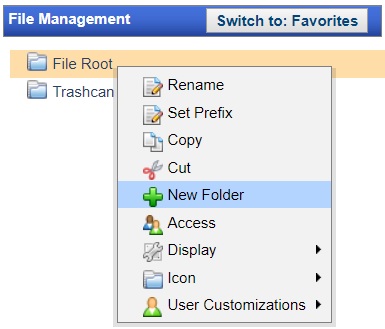
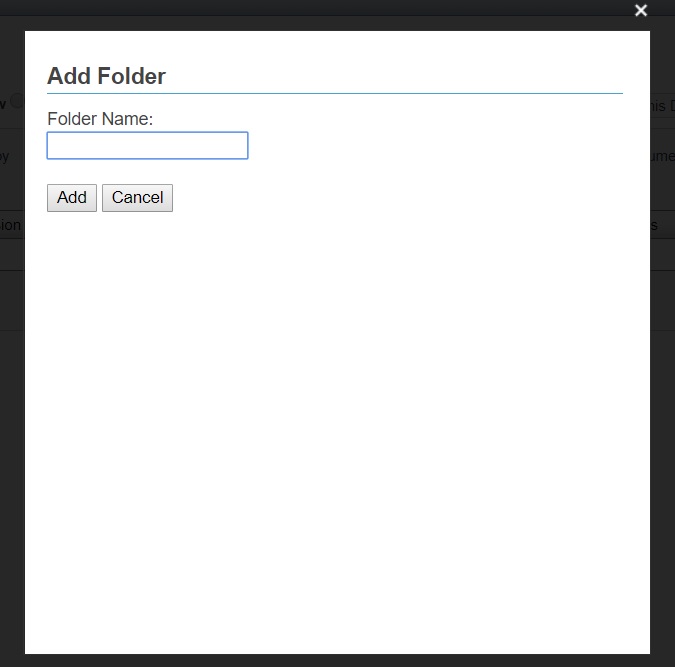
Figure 1. Folder editing options Figure 2. Add Folder Name model
The new folder will be created as a subfolder in the selected directory