Configure Columns
User can configure which columns want to view/hide within the folder content view of an infinitrac module.
To select which columns to display:
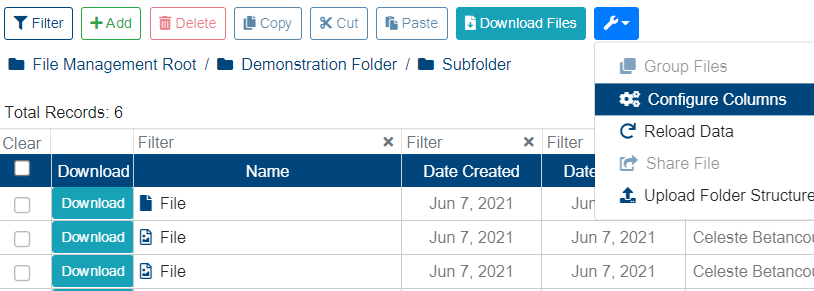
Click on “More Options” button located in the table's toolbar
Select the "Configure Columns" button from the drop-down menu.
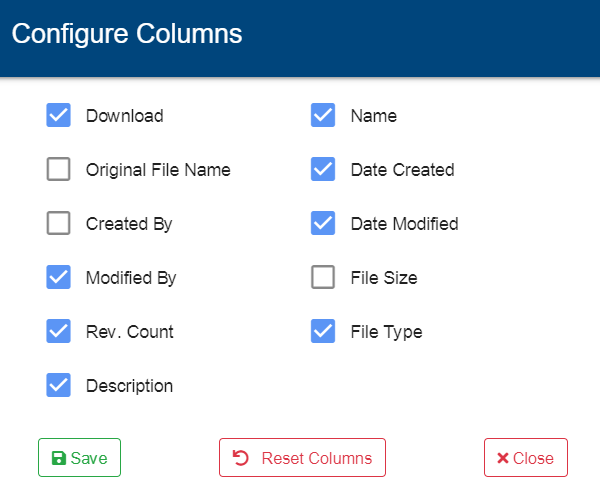
Check/uncheck the checkboxes corresponding to the available columns.
Click "Save" button to display the selected columns.
A new window will pop up with a list of all available columns to display, with the default displayed columns already checked.
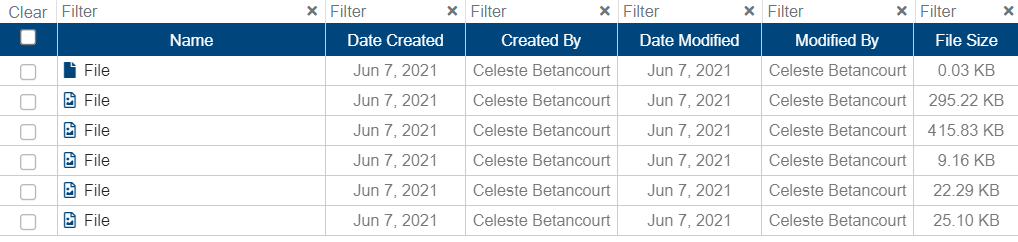
Now system display the newly selected columns.