Project Switch Shortcut
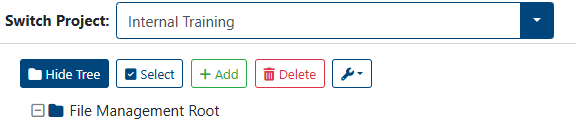
The current project the user is working on is shown at the top of the screen.
Switch Between Projects
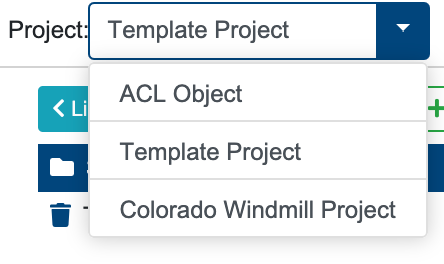
User can switch between all instance’s projects, to do so:
Click on the current project
Select the project from the drop-down menu.
Check how to manage multiple projects with Project Management module.