Material Receiving Report Recipients
Adding Recipients
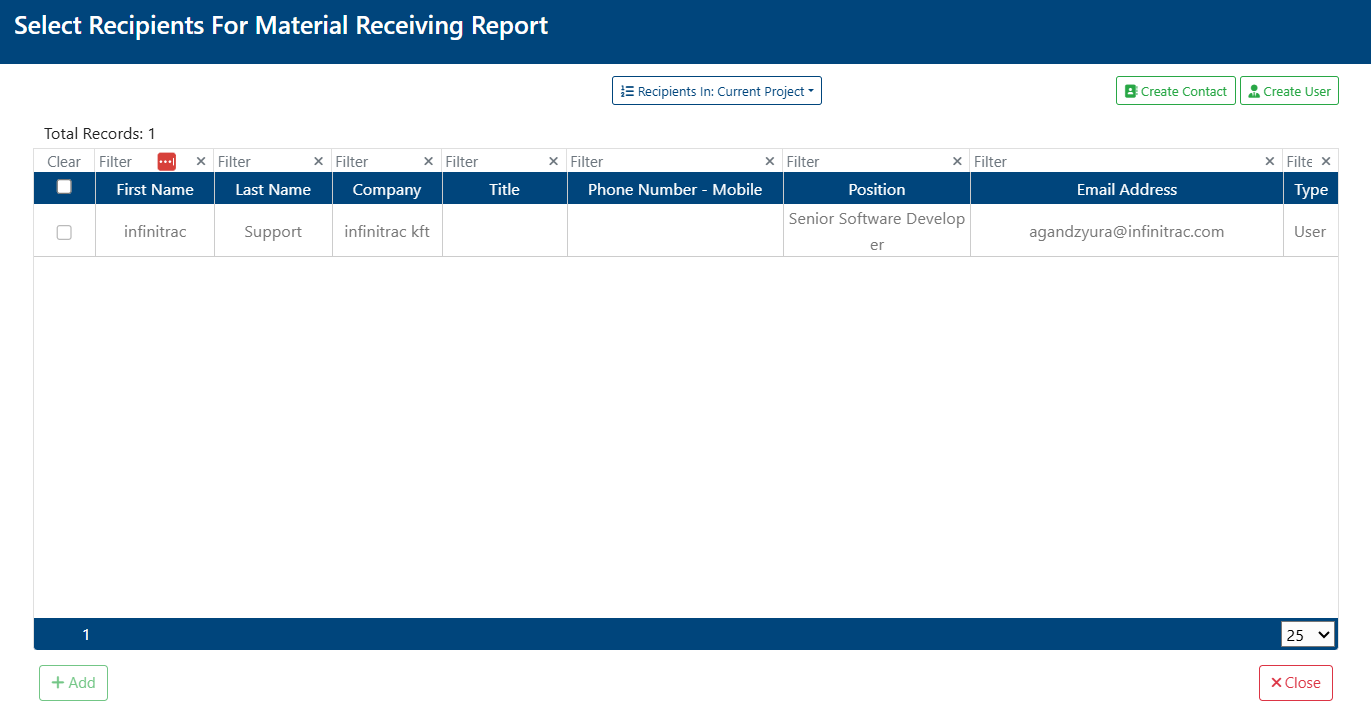
User can add existing users and/or contacts as recipients for a Material Receiving Report (MRR). To do so:
Navigate to the MRR’s “Recipients” section in Detail View.
Click the “+” button.
Select one or more recipients to be added.
Click “Add” button.
Recipients who have already been added to the MRR won’t be shown in the selection screen.
Adding Contact Group(s)
Navigate to the MRR’s “Recipients” section in the Detail View.
Click the “+” button.
Select one or more recipients to be added.
Click “Add” button.
Deleting Recipients
To delete a recipient:
Click the checkbox next to the user
Click delete in the Recipients toolbar.

Deleting a recipient will only remove them from that specific MRR’s recipient list, not from the user or contact list.