Material Receiving Report Reopen
After a BPO is sent, all attribute fields become Read-Only and cannot be modified. However, by reopening a MRR, users can edit recipients, responses, and documents. The Reopen function is restricted to users with the admin role enabled in the MRR role section.
To reopen a MRR:
Navigate to the MRR’s Detail View by clicking the “< Detail” button.
Select the MRR to be reopened.
Click the “Reopen” button in the upper right-hand corner.
Modify the required fields.

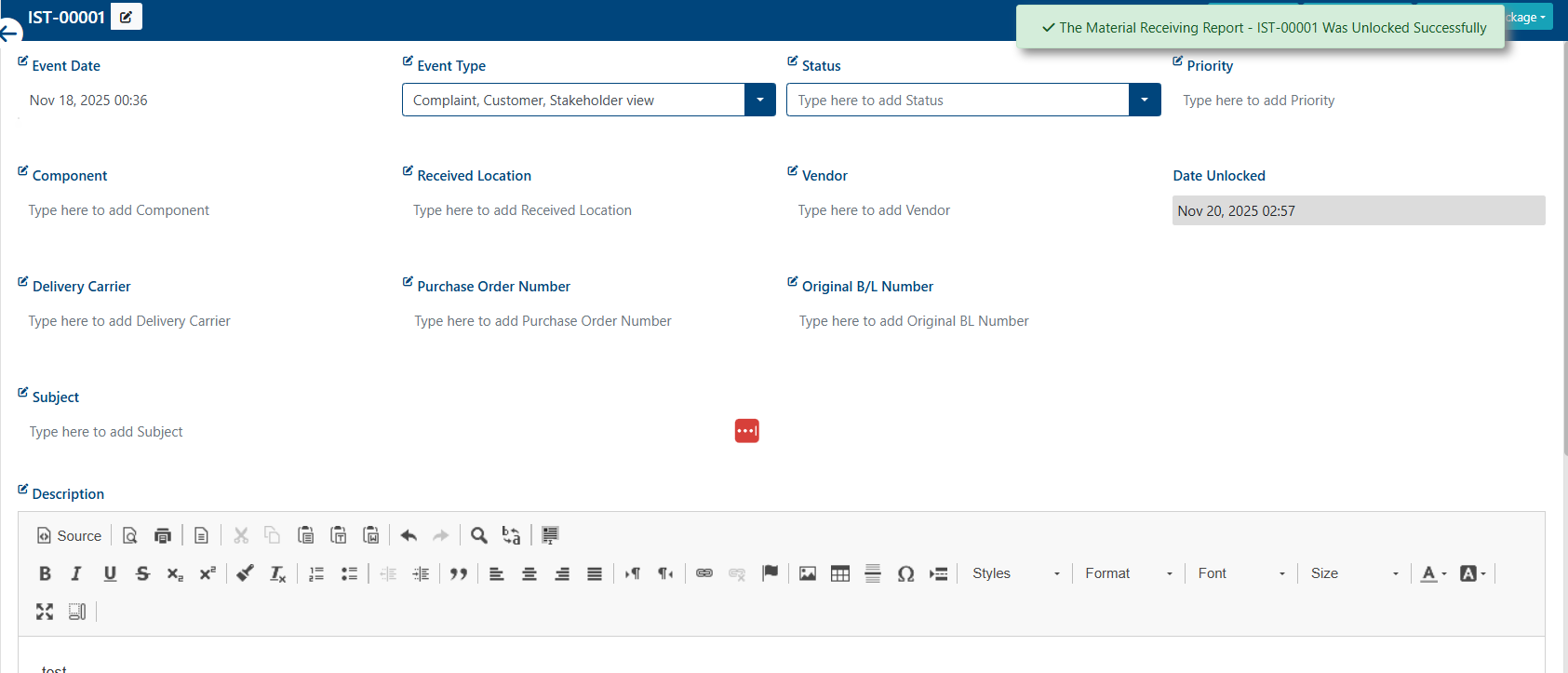
Once the MRR is reopened, a success alert message will appear in the top-right corner with the following text: “The Material Receiving Report [Filename] Was Unlocked Successfully”.
Only users with “edit” role permission enabled can edit the MRR.