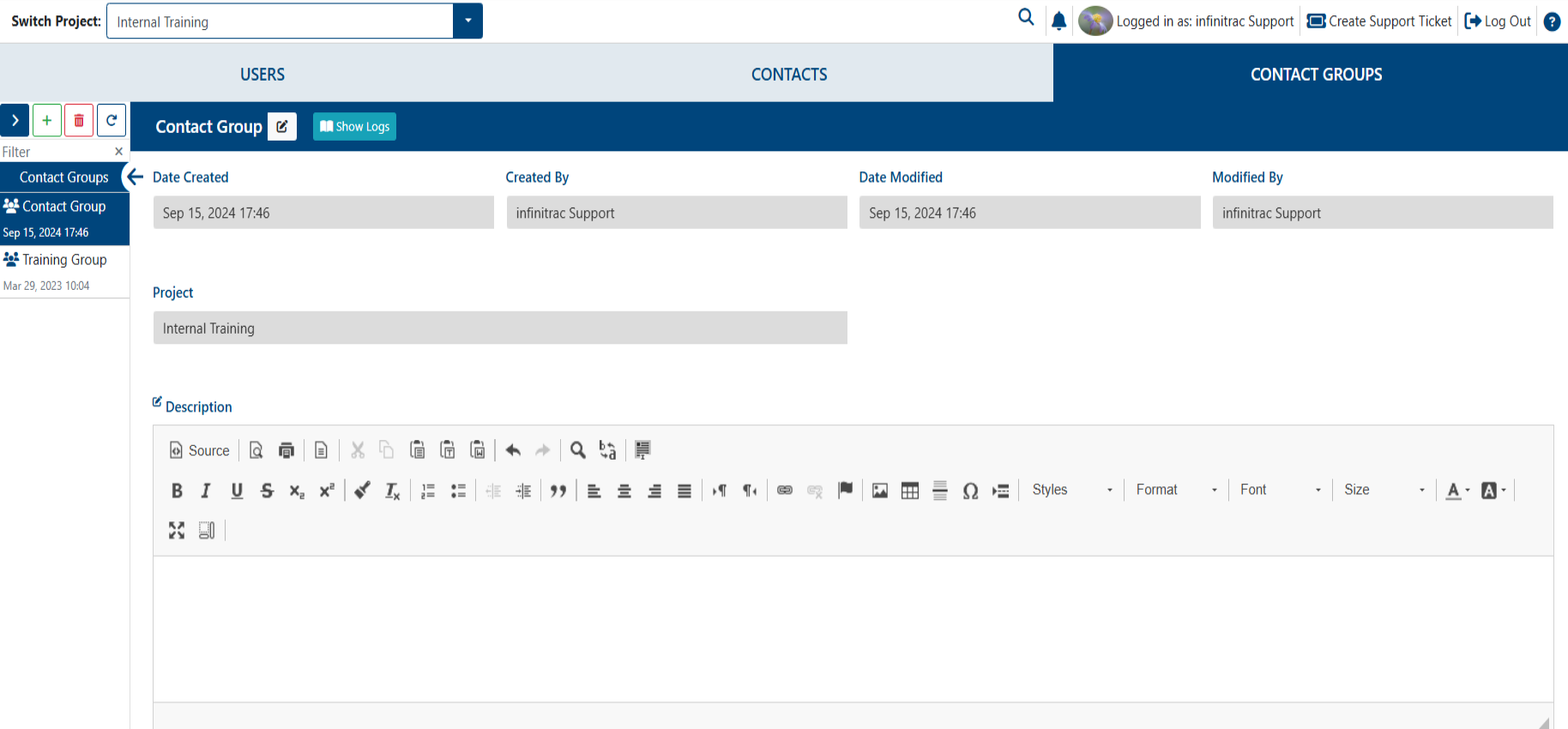
Add a Contact Group
To add a Contact Group, user role must have an “add“ privilege enabled for Contact Management module.

Navigate to the Contact Management Module and Click “Add” while on the “Contact Groups” tab.

2. Navigate to the new Contact Group’s Detail View; Name the Contact Group and enter a Description.