Edit a Contact Group
To edit a Contact Group, user role must have an “edit“ privilege enabled; you can manage Contact Groups if you have the respective permissions checked in at least one project.

To edit a Contact Group Navigate to the Contact Management Module and Click on the “Contact Groups” tab.
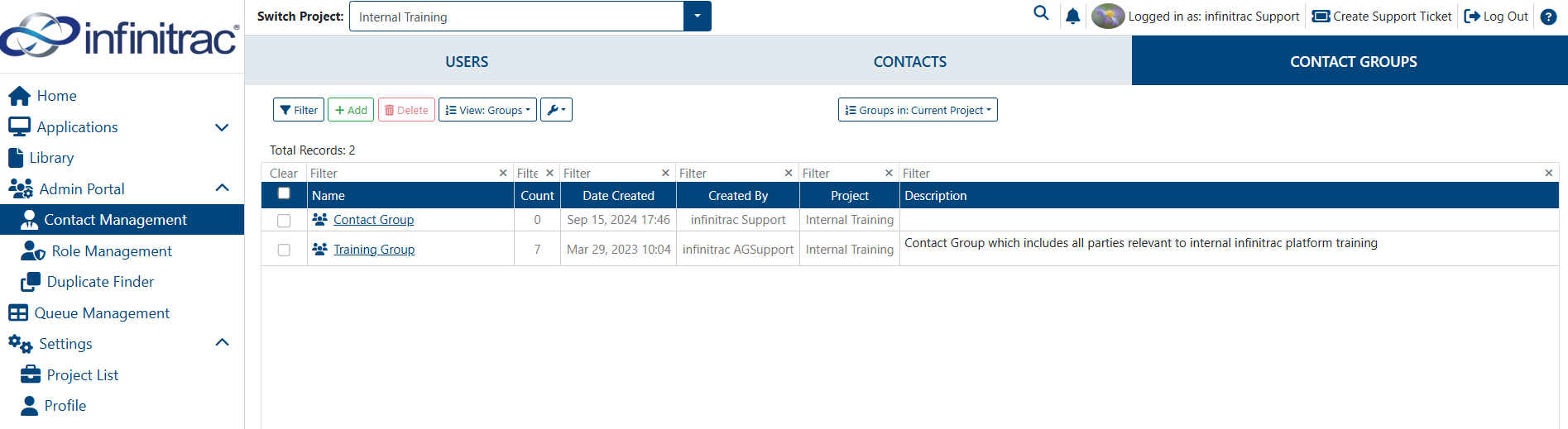
2. Click on the “Detail” button of the Contact Group that needs editing.