Approve for Public Viewing
If a Meeting Minute is complete without any doubt and you would like it to be available for viewing to all your infinitrac Users, you can make it Available for Public Viewing.
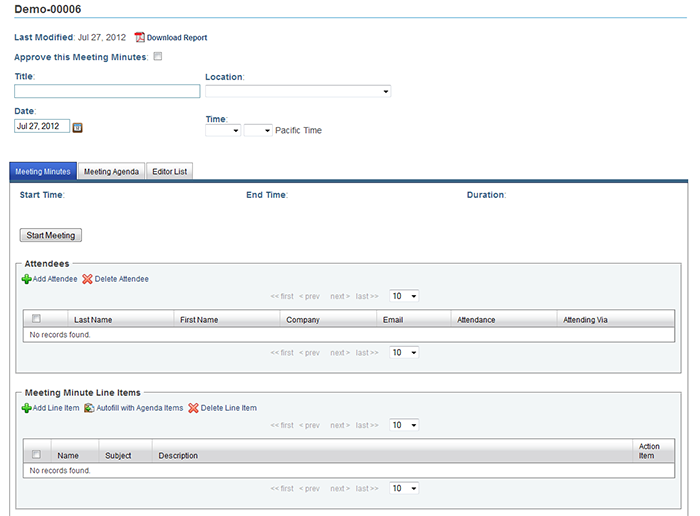
When in a complete Meeting Minute that you would like to make available for viewing to all infinitrac Users, click "Approve this Meeting Minutes" in the upper left of the Meeting Minute Lightbox.
When approved, the meeting will be read-only and no longer editable to anyone in the editor list. To re-open a Meeting Minute for edits, the Meeting Minute "creator" must return to the minute, and click the box "Reopen this Meeting Minutes".
CUSTOMIZATION: We can integrate your approved for public Meeting Minutes into your website to make them truly public. Call us for an integration estimate if this is a feature you'd like to implement.