Meeting Minute Guide
Create a new Meeting Minute
After you have a comfortable organization, you are ready to begin conducting a meeting. Remember, that in order to maximize the efficiency of the software, you will want to setup a meeting well in advance of the meeting start.
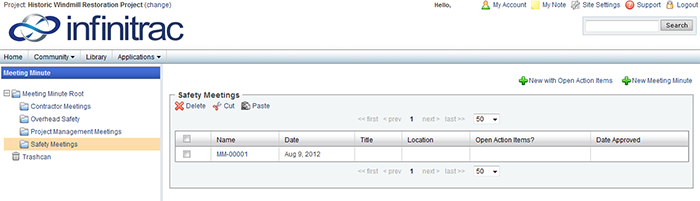
Figure 1 - Add meeting Minute
When creating your first Meeting Minute in a folder:
Navigate to the appropriate Folder for the Meeting Minute to be located by selecting from the folder tree defined in Folder Tree Organization Tips.
Right click on the Folder and select "Set Prefix" (if folder is not a Mount, you must first select "Set as Mount" and "Set Prefix" option will be available) - Permission Required.
The Folder Prefix will add a short name to the beginning of any Meeting Minutes added within that folder, followed by a serialized number.
Select " New Meeting Minute".
A lightbox will open and the infinitrac main window will dim, you are now ready to setup a Meeting! See Figure 2 below.
When creating successor Meeting Minutes in a folder:
Assuming the folder is a mount and has a set prefix, simply select " New with Open Action Items". See Figure 1.
This will create a new Meeting Minute and will carry over any items that were defined as a task but were not marked complete
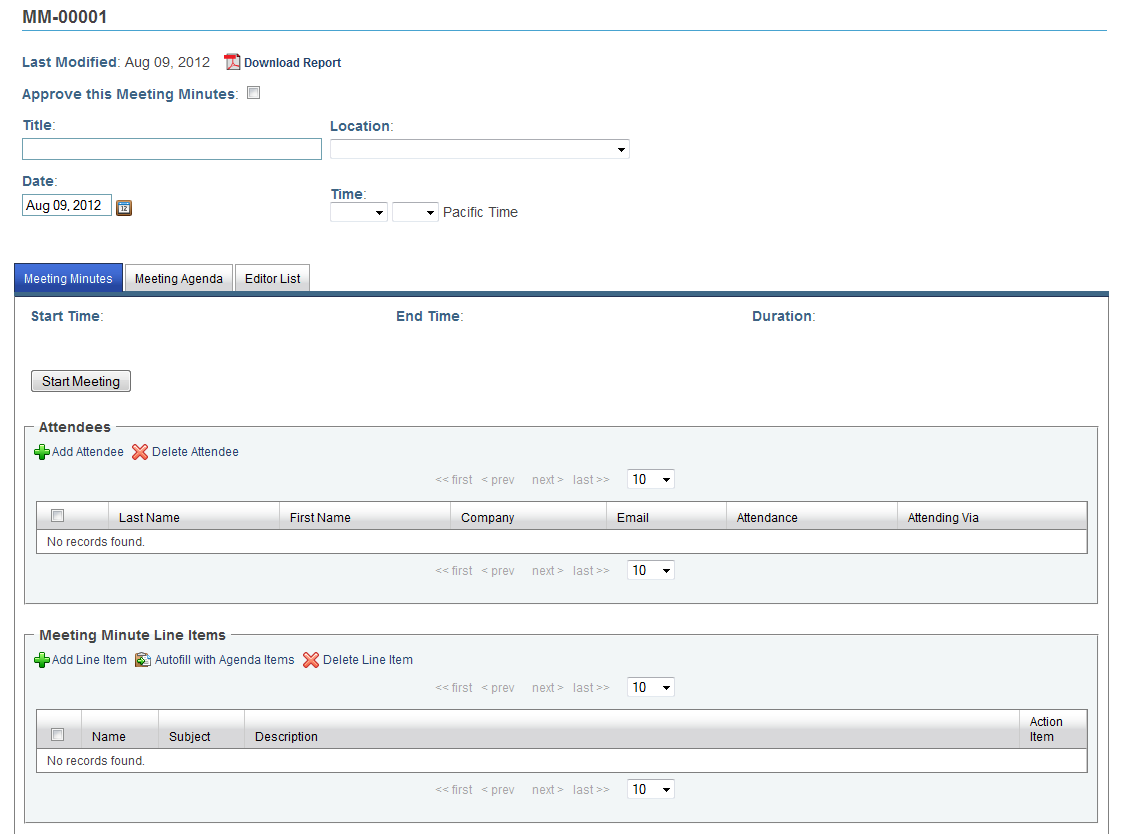
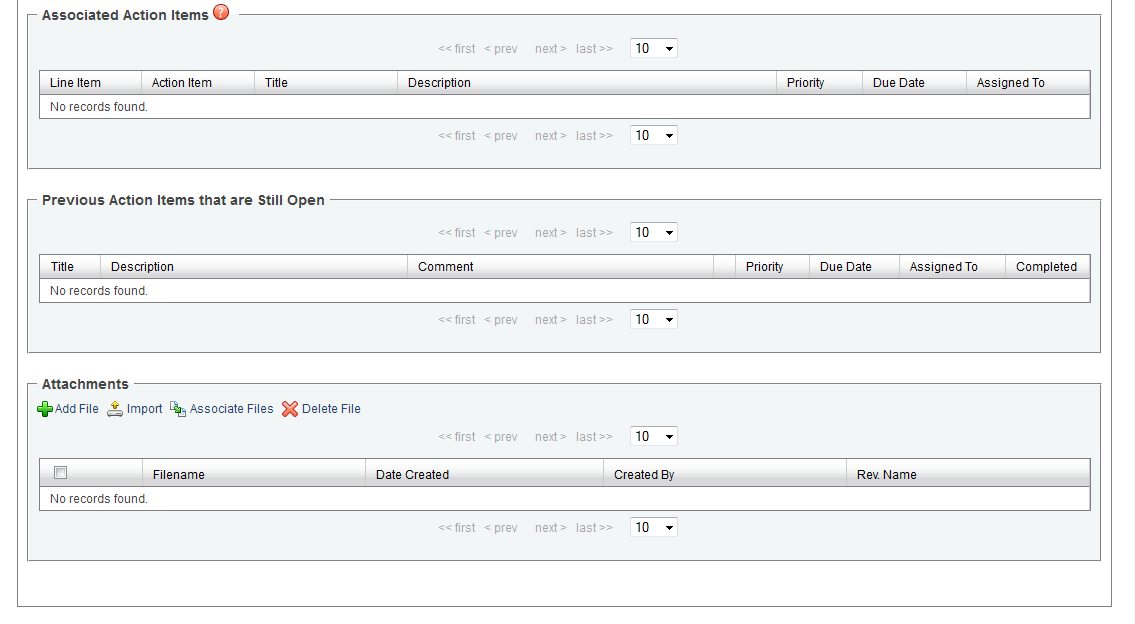
Figure 2 - Meeting Minute Detail View