Incoming Transmittal Logs
Within an Incoming Transmittal’s Detail View there is a Show Logs button on the right hand side next to Download Report button, clicking this button will expand a column displaying Logs. Each entry within Logs contains:
Type of change made to Incoming Transmittal
Author
Data of Change
To hide the logs, click on the ^ button.
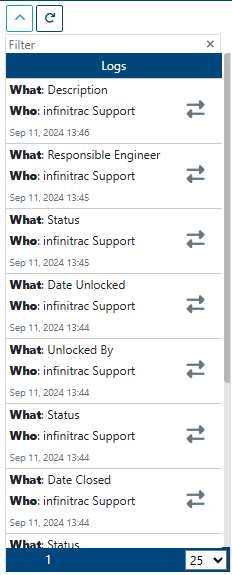
Number of visible entries can be modified by clicking on the downward arrow button.