Expense Reports Guide
The Expense Report module is used for recording company Expenses. This includes a description, client, employee, manager, notes, summary, expenses, mileages, receipts/files, and comments. - Viewable access may vary.
Clicking the "New Expense Report" button at the top right of this screen will add a new Expense Report to the selected folder. Also see Add New Expense Report. Expense Reports may be organized into subfolders, but will maintain their serialized identification.
Expense Reports will be named after their Prefix and a serialized number.
Before any Expense Report can be added to the selected folder, it must have a Prefix set.
When adding a new folder, that folder may be designated as a "Mount Folder." - Permission Required
Setting a folder as a "Mount Folder" will require a new "Prefix" to be set, and will also restart the serialized numbering sequence.
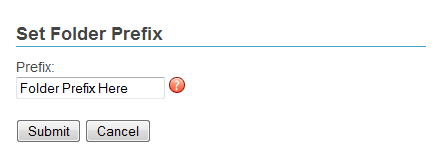
Figure 1 - Set folder prefix
To set a Prefix, right click on a folder to view the Folder menu then click the "Set Prefix" link.
A new window will open allowing the user to set the Prefix to the folder. Click the "Submit" button to apply the Prefix and close the window.
Prefixes may only be set when a Folder is "Mounted." See Edit Folder.
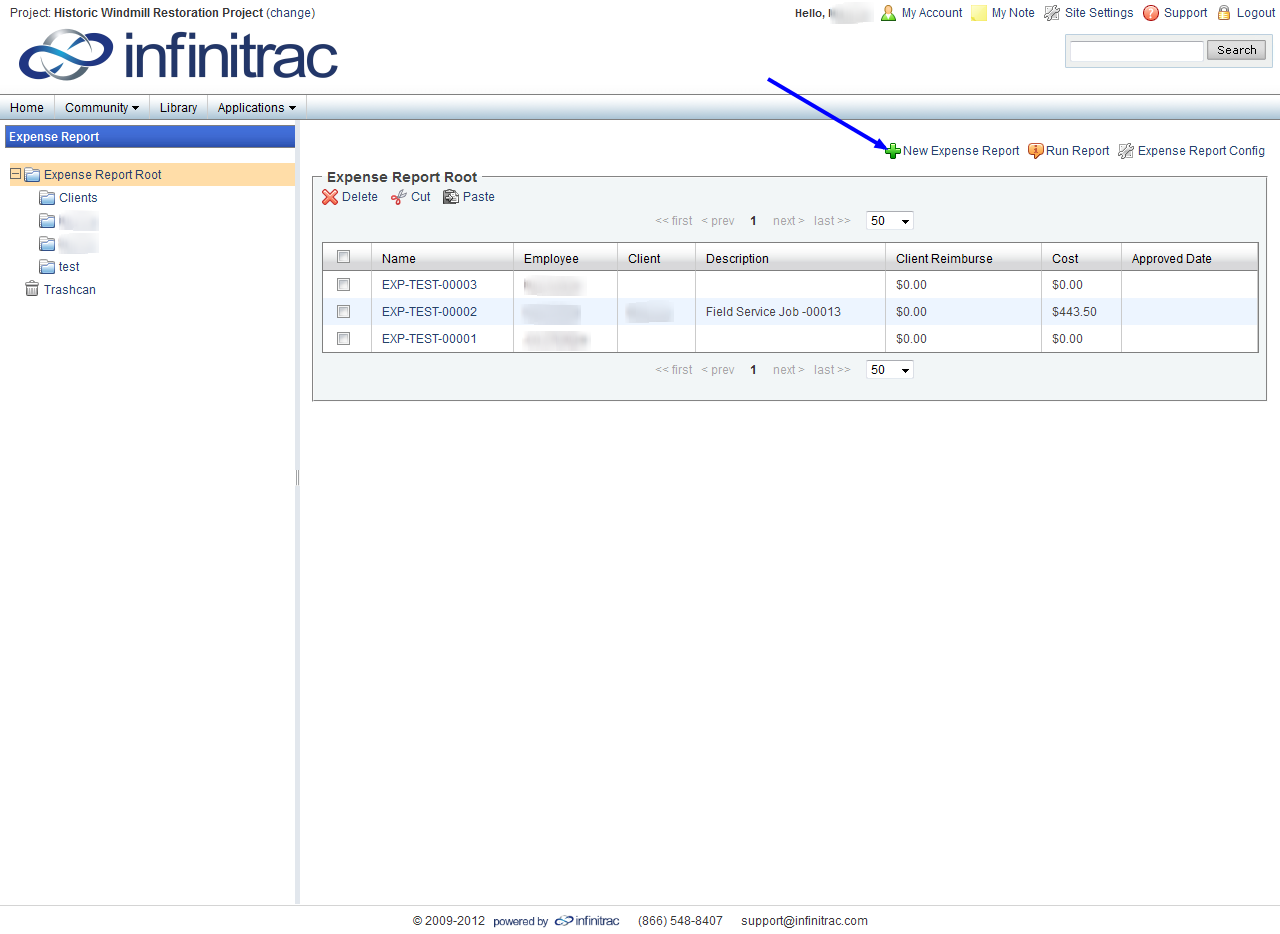
Figure 2 - Expense Report List View