Editing QIR(s)
To edit a Quality Incident Report (QIR), user role must have an “edit“ privilege enabled.

To edit other details relating to the Quality Incident Report :
Switch into the Detail View by clicking the “List” button in the folder tree’s toolbar.
Edit the needed fields.
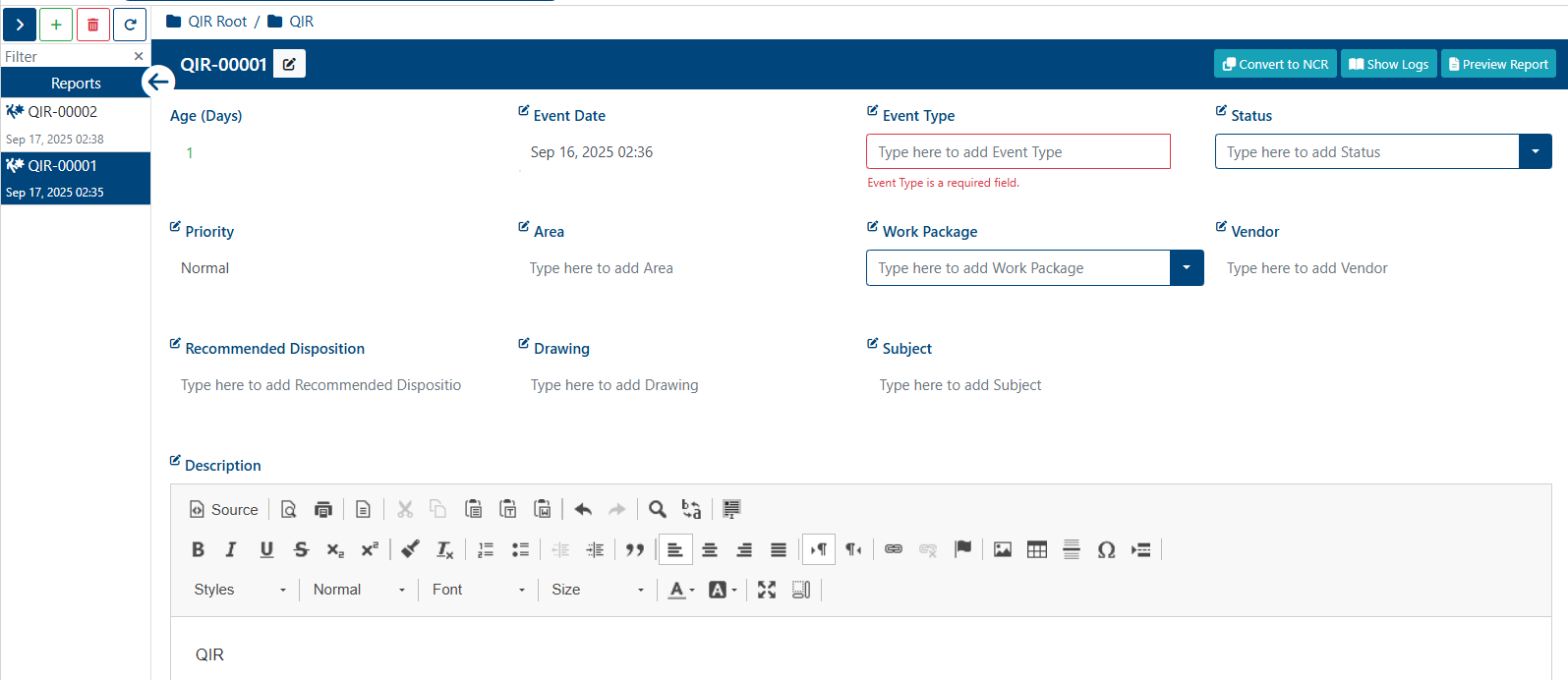
All changes are saved automatically.
Once the Quality Incident Report is edited, a success alert message will appear on the top right hand corner with message: “Quality Incident Report was successfully edited“
Note: A Quality Incident Report can only be edited when its Status is not set to “Closed”. To edit closed Quality Incident Report they must be re-opened first.