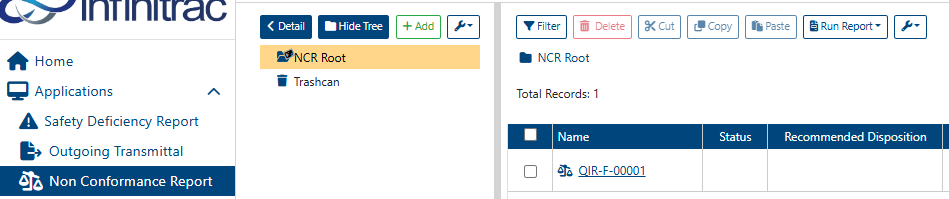
QIR Convert to NCR
To perform the actions mentioned in this article, user need to have the appropriate roles enabled in the Quality Incident Report role section.

To convert a Quality Incident Report to:
Select an opened Quality Incident Report.
Click on the “< List” button in the folder tree toolbar, this will open the Detail View of the selected Quality Incident Report.
Click on “Convert to NCR” button in the upper right-hand corner

It will open a confirmation dialog in a square layout as example below:
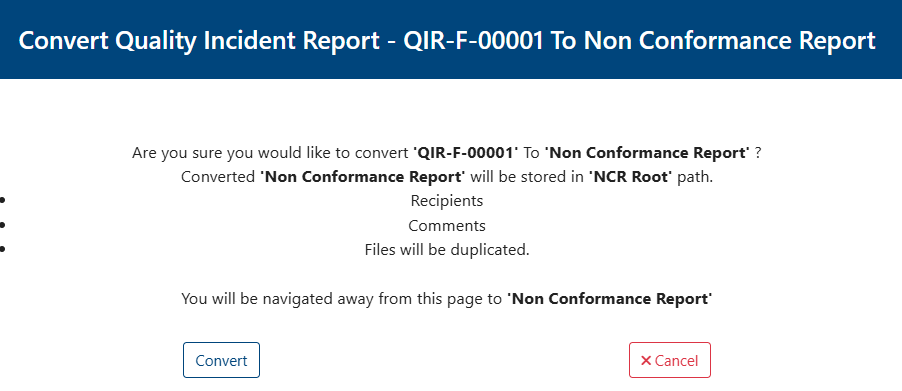
Click on covert button and it will appear in NCR module as the image below: