Material Transaction Report List View
The Material Transaction Report List View is used to manage and organize MTR within a folder structure. It displays MTR status and summary details and provides the ability to manage MRR in bulk.
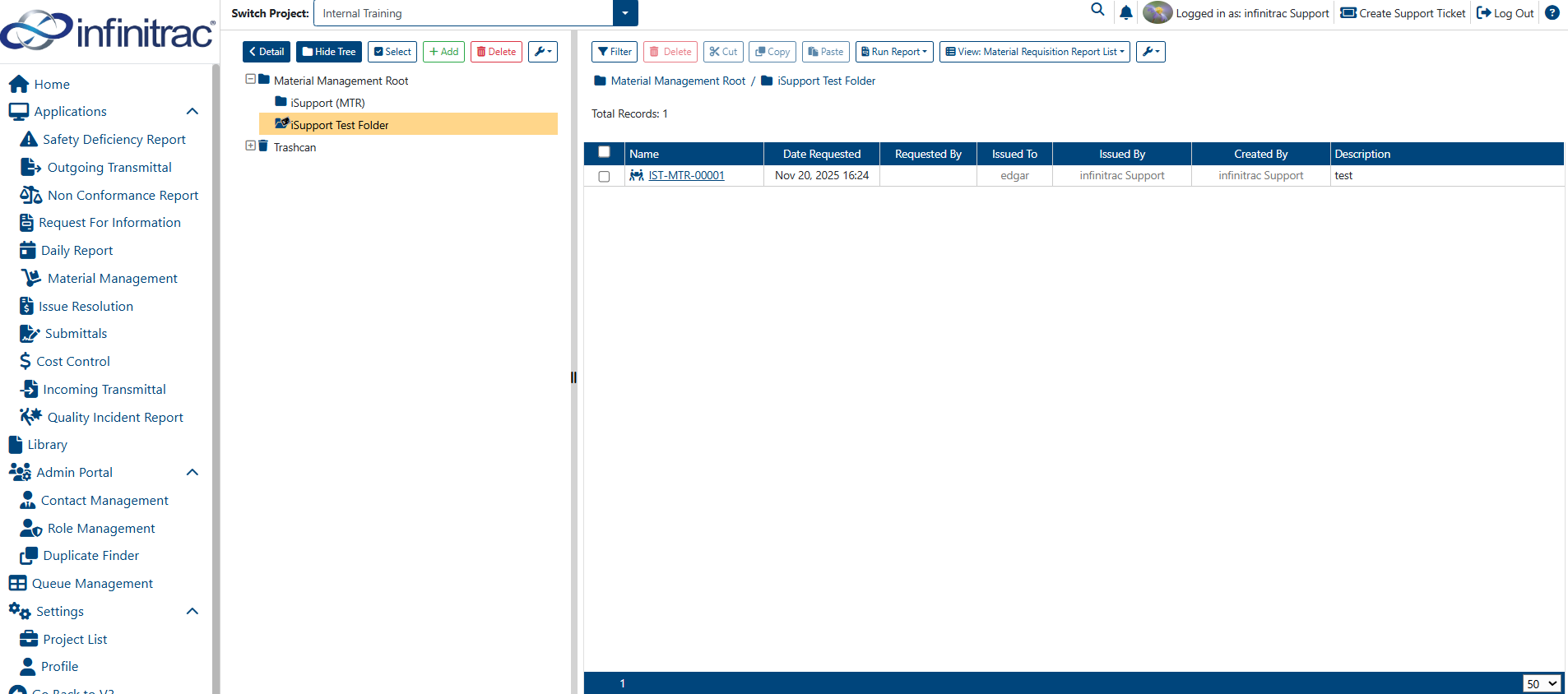
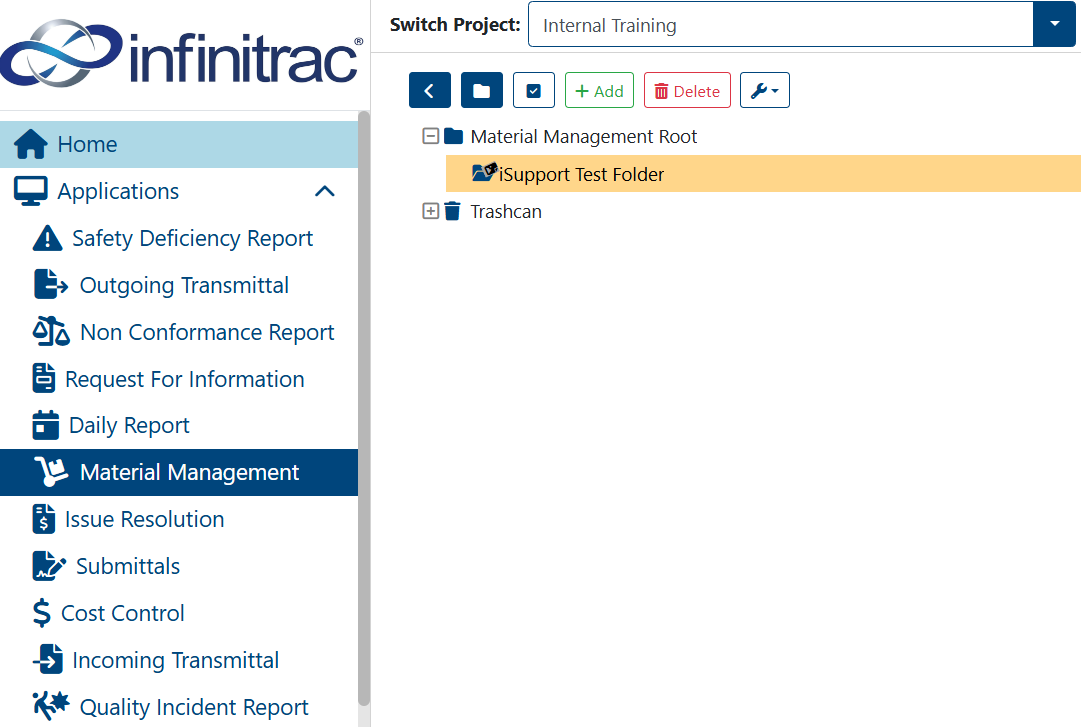
Material Transaction Report can be organized using a Folder Tree structure. They must reside within folders designated as “Mount Folders.” By default, the MTR Root folder cannot store MTR; its purpose—like other non-mounted folders—is primarily for organizational use.
Each Mount Folder requires a folder prefix, which is used as the prefix for MTR names created within it. The final part of the MTR name represents the total count of items in the folder, including removed items. The default count length is five digits.
MTR naming convention follows this pattern:
Example: INF-00001
Material Transaction Report Folder Actions
There are several actions available to manage Material Management folders. Click on the corresponding link below to learn more about each action.
Material Transaction Report Table
By default, the Material Transaction Report List View displays eight columns in the data table, such as the following:
(click on a respective link to find out more about each table column, below):

- Add a Material Transaction Report(s)
- Copy/Paste Material Transaction Report(s)
- Cut/Paste Material Transaction Report(s)
- Delete a Material Transaction Report(s)
- Dropdown Options for Material Transaction Report
- Edit a Material Transaction Report(s)
- Material Transaction Report file pdf reports into library
- Run Report for Material Transaction Report
Material Transaction Report Table Actions
The actions available in the Material Transaction Report table vary based on role permission settings. These actions are documented below(click on each link to learn more about the corresponding module action).

In this section
- Add a Material Transaction Report(s)
- Copy/Paste Material Transaction Report(s)
- Cut/Paste Material Transaction Report(s)
- Delete a Material Transaction Report(s)
- Dropdown Options for Material Transaction Report
- Edit a Material Transaction Report(s)
- Material Transaction Report file pdf reports into library
- Run Report for Material Transaction Report